

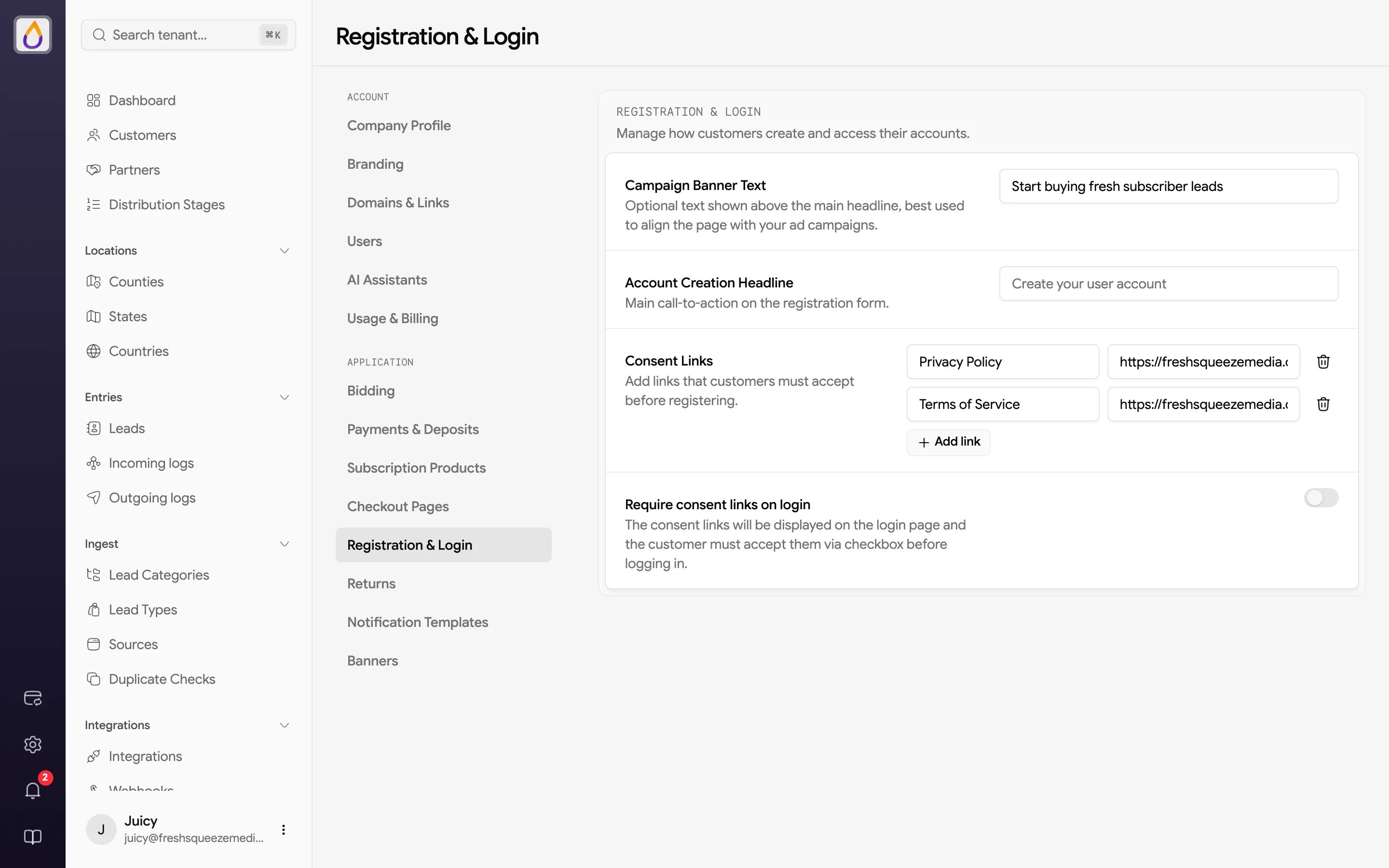
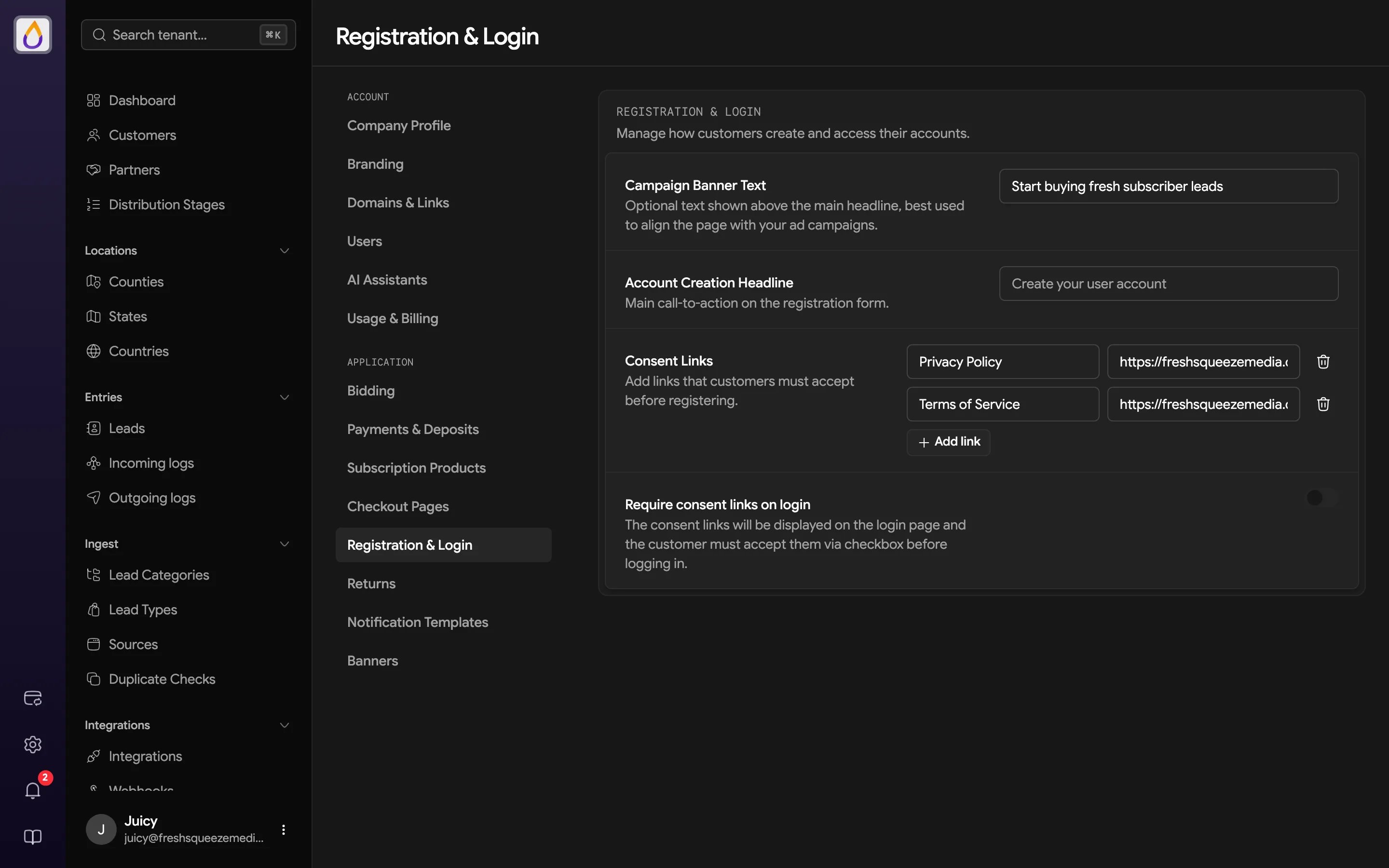
Registration page text
Customers register at
/app/register on your portal’s domain. See Onboarding customers for sharing the link and tracking where signups come from.
Consent links
Add the documents customers must agree to, such as your privacy policy and terms of service. Click Add link and enter the link’s Text and its URL. Customers see the links next to a checkbox and must check it before they can register. Turn on Require consent links on login to show the same links on the login page too. Customers then have to accept them each time they log in, which is handy right after you update your terms.Related settings
- Branding sets the logo and colors on the sign-up and login pages.
- Domains & Links decides whether people who aren’t signed in land on the login page or your marketplace.
- Signing up and logging in shows the experience from your customer’s side.