

Plans
Your plan is determined by your monthly lead sales volume (the total dollar value of leads you sell) and the number of leads you process. Hit either limit and it’s time to move up a tier. Pick the tier that matches your operation.
Doing more than $2M/month? Get in touch and we’ll squeeze out a custom plan for you.
What’s included
Every plan includes the core Juiced feature set.- Smart lead delivery routes leads to the right buyers automatically.
- Client bidding system lets buyers compete for your leads.
- Private marketplace lets you run your own in-house lead exchange.
- CRM and multi-channel delivery connects to your buyers however they need.
- Custom filters and rules fine-tune exactly who gets what.
Premium features
Some features are available on higher-tier plans.
Juiced can also enable either feature for your account by arrangement.
Usage & Billing
Click the gear in the rail and choose Usage & Billing under Account to see where you stand this billing cycle. Only Admins can open it.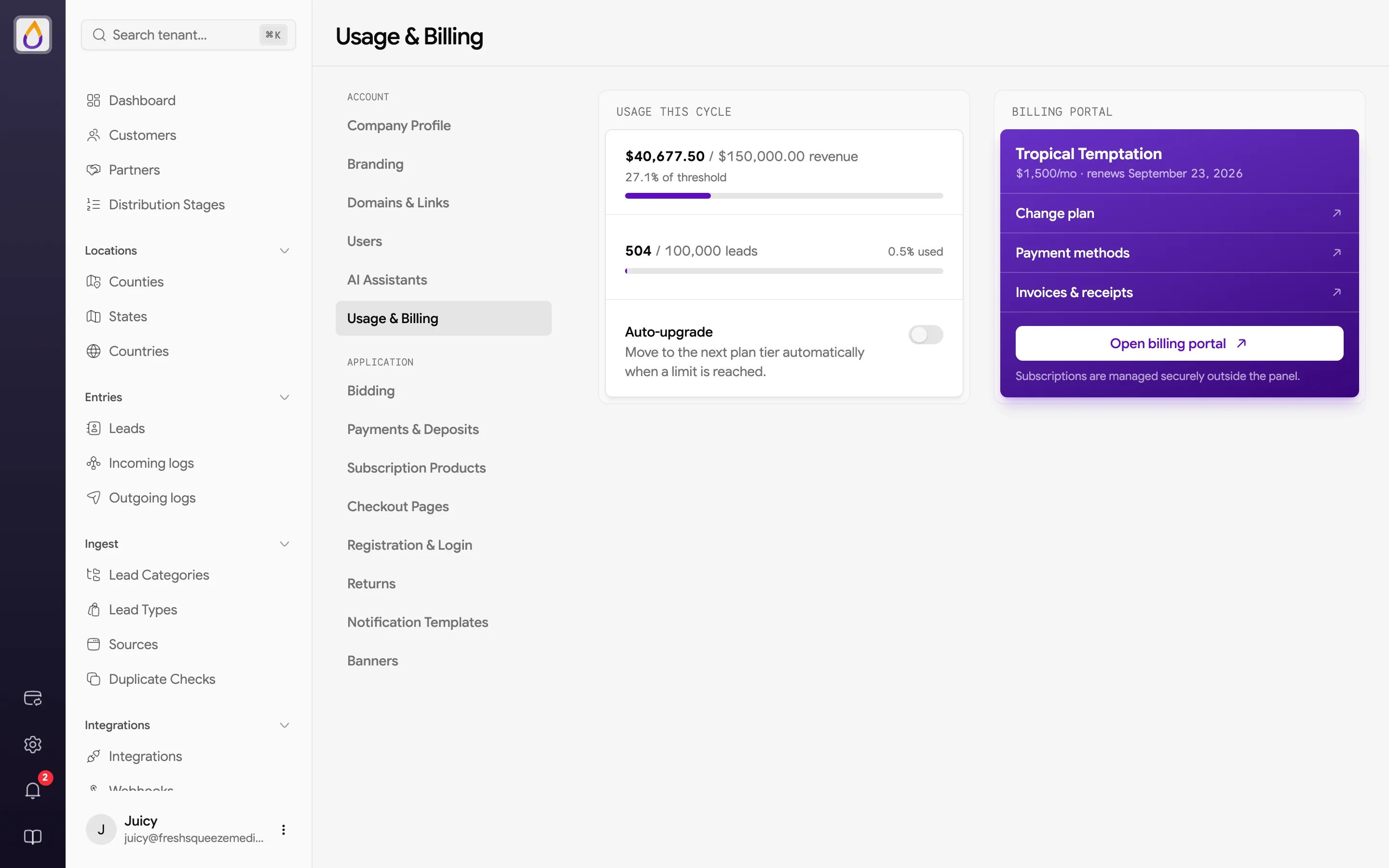
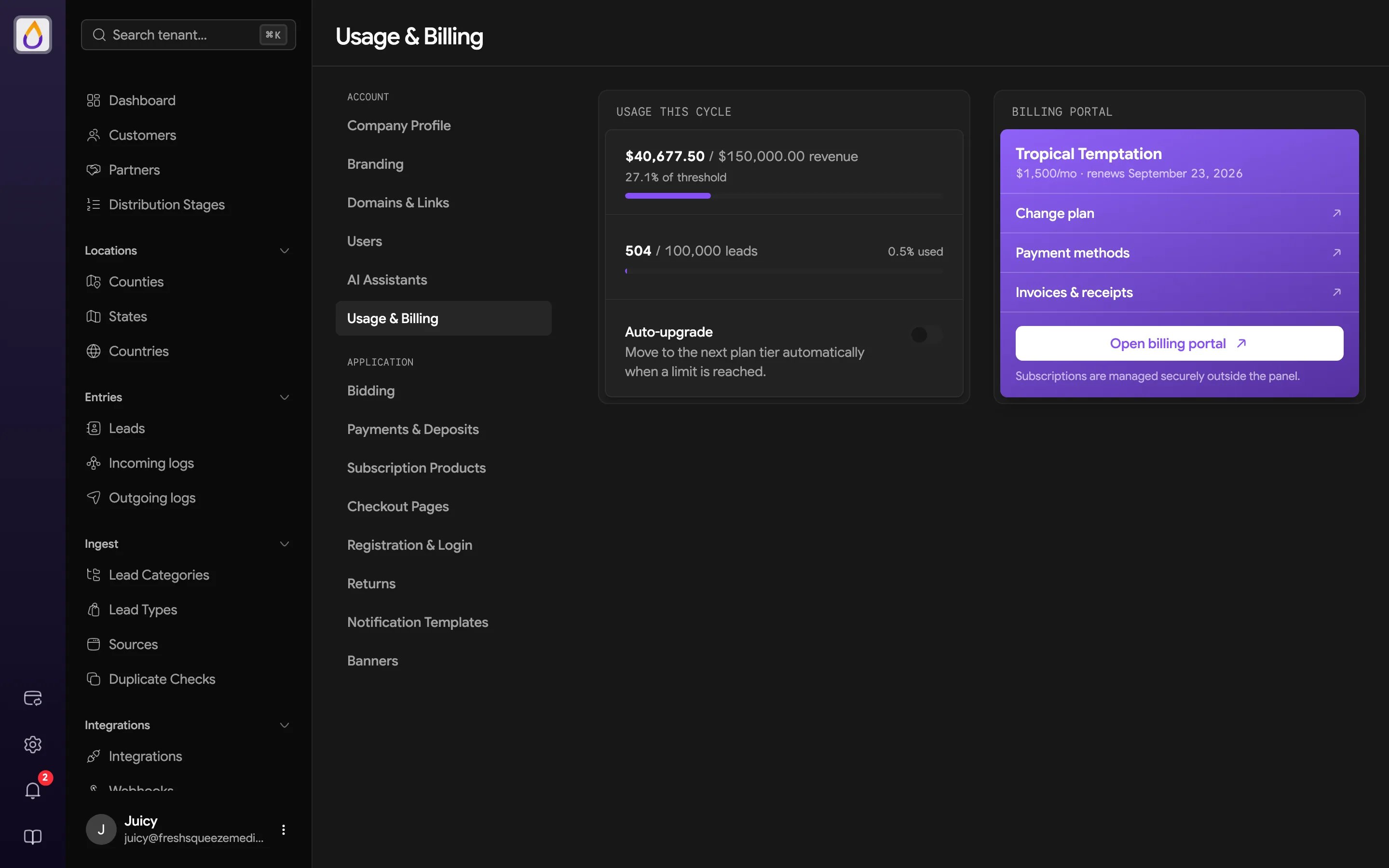
- Usage This Cycle shows two meters, one for your lead sales revenue against your plan’s threshold and one for the number of leads processed against your lead limit.
- Auto-upgrade turns auto-upgrade on or off. It saves as soon as you flip it.
- Billing Portal shows your current plan, its price, and when it renews, with links to Change plan, Payment methods, and Invoices & receipts. Open billing portal takes you to the secure billing portal where your Juiced subscription is managed.
Lead limits
Each plan includes a monthly lead limit, which is the maximum number of leads you can process per billing cycle. When you reach your limit, here’s what happens.- New incoming leads are withheld (held in a queue)
- Withheld leads are not distributed to buyers
- Once you upgrade your plan, withheld leads are automatically released and processed in the order they were received
Usage warnings
Juiced keeps an eye on your usage and lets you know when you’re approaching your plan’s limits. You’ll see a banner at the top of the screen when you hit certain thresholds. Revenue threshold warnings
Lead limit warnings
These warnings link directly to your billing page so you can upgrade with one click. No surprises and no sudden service interruptions, just a friendly reminder to keep the juice flowing.
What happens at 100%
When you hit your threshold, Juiced doesn’t just cut you off. It handles things gracefully.- From Internal sources, leads are still accepted but held in a “withheld” status. They won’t be distributed until capacity frees up.
- From Vendor sources, pings are automatically rejected so you don’t pay for leads you can’t distribute.
Auto-upgrade
Don’t want to worry about hitting your ceiling mid-month? Enable auto-upgrade and Juiced will automatically bump you to the next plan tier when you reach your current plan’s revenue threshold or lead limit.How it works
When auto-upgrade is enabled and you hit 100% of your plan limit, three things happen.- Juiced automatically upgrades your subscription to the next tier
- You receive an email confirming the upgrade and your new limits
- Lead distribution continues uninterrupted
Auto-upgrade won’t trigger if you’re already on the highest plan tier (Exotic Extracts). At that point, contact us for a custom plan.
Enabling auto-upgrade
Open Settings → Account → Usage & Billing and switch on Auto-upgrade. There’s nothing else to save. Once enabled, you can sit back and let your business grow without worrying about service interruptions.Managing your subscription
Open Settings → Account → Usage & Billing and use the Billing Portal card. From the billing portal you can do any of these.- Change your subscription plan
- Manage payment methods
- View invoices
- Add or update billing information
- Cancel your subscription