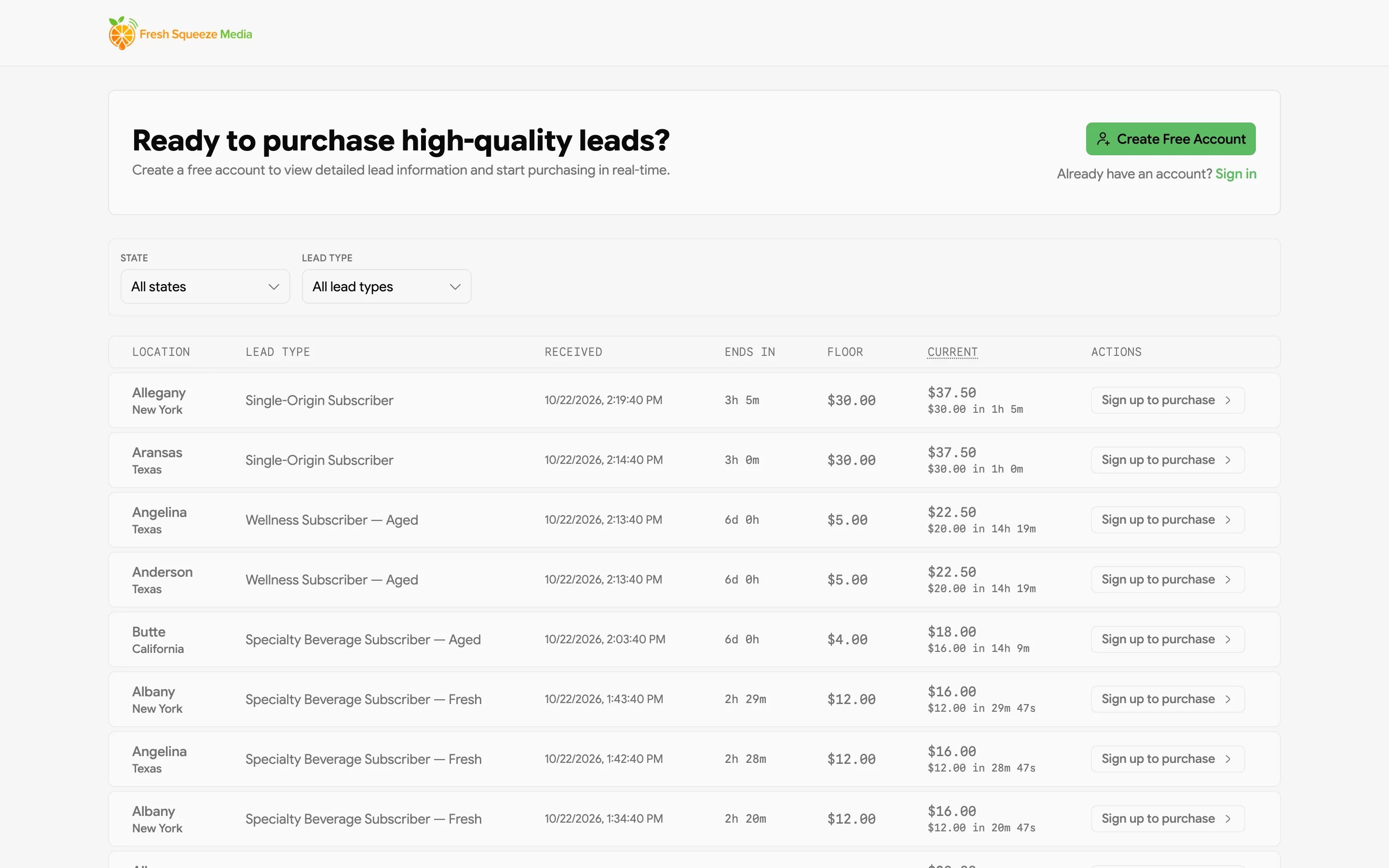

You’ll only see Marketplace in the sidebar if your provider sells leads this way.
How it works
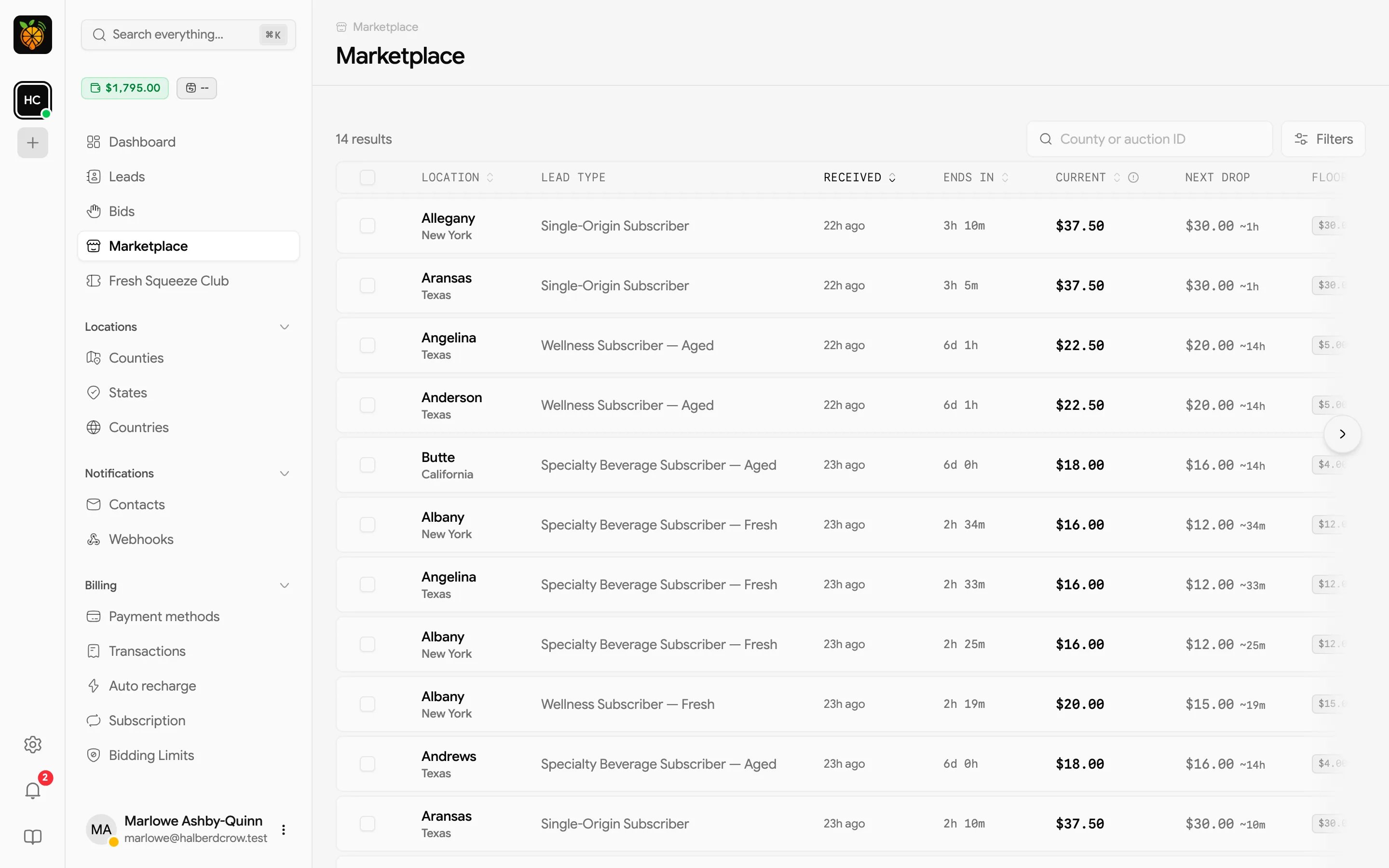
Each lead in the marketplace is sold in a reverse auction, where the price starts high and drops in steps over time until the lead sells or the auction ends. You can buy at today’s price, or wait for a better deal and risk someone else getting there first. The lowest the price will go is the floor. When the price reaches the floor, the auction ends. The lead goes to whoever holds the highest buy order, or leaves the marketplace if nobody placed one.What you’ll see
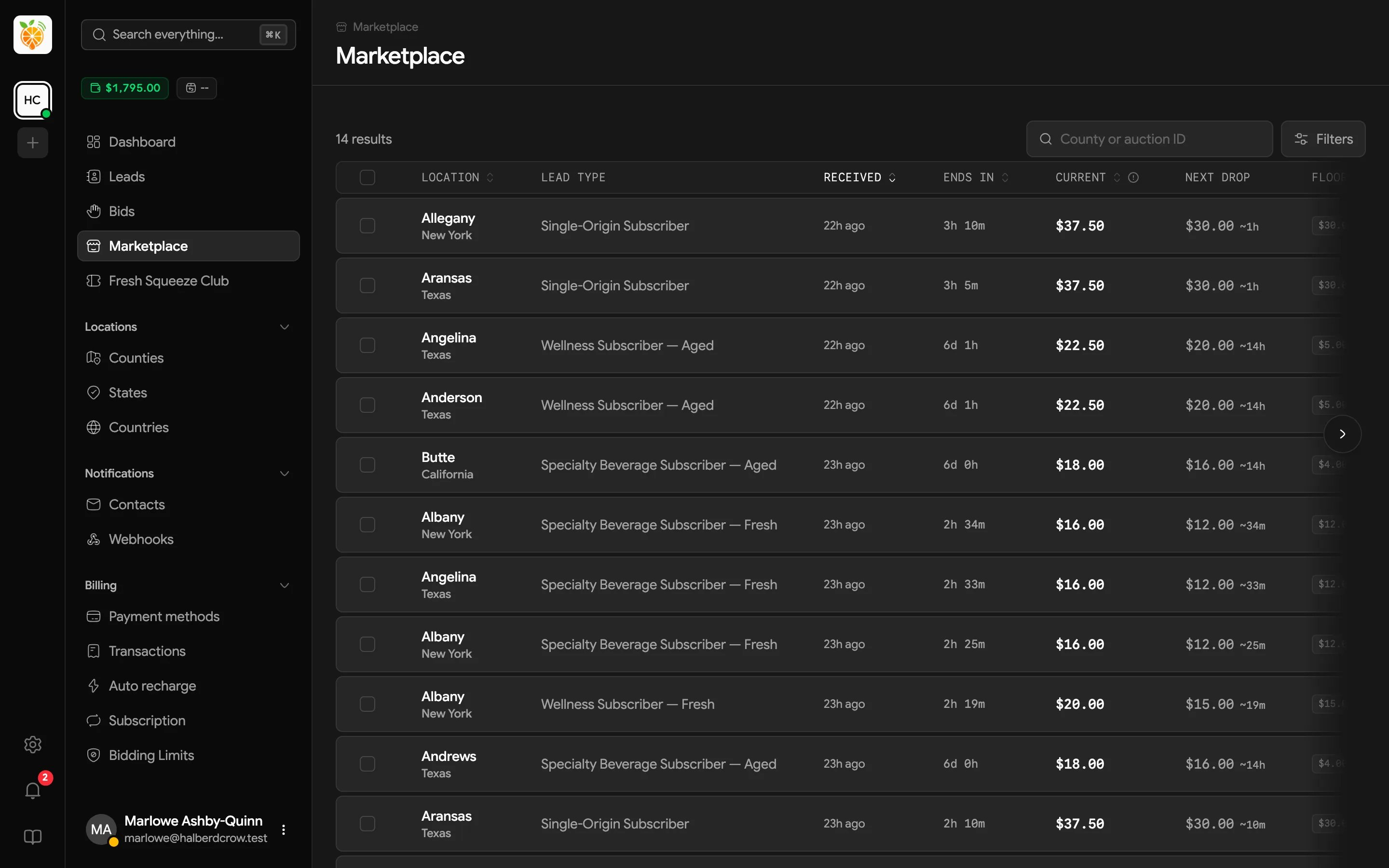
The table updates live as leads are added, sold, and repriced, so there’s no need to refresh.
Finding leads
- Search by county or auction ID.
- Filter by State, County, and Lead type (pick as many as you like). Use My buy orders to see only auctions where you have a buy order, and My exceeded buy orders to see the ones where someone has outbid you.
- Sort by Location, Received, Ends in, Current, or Floor.
Buying a lead now
Click Buy now on a row, check the details, and confirm with Buy for $X. Your wallet is charged immediately and the lead lands in your Leads list.Buying several at once
Tick the checkboxes beside the leads you want, then click Buy leads in the bar that appears. The confirmation shows the total at current prices; click Buy N leads to buy them all. Prices keep dropping while you shop, so the confirmation shows what you’ll pay at that moment.Placing a buy order
A buy order says “I’ll take this lead at this price.” It’s how you wait for a lower price without staring at the countdown.- Click Place buy order on a row.
- Choose an Amount from the list of remaining price steps.
- Click Place buy order.
Watching the floor
The Floor badge color tells you where you stand. Hover it for a reminder.
When someone outbids you, Juiced can let you know by email or text, and tell you again if your buy order becomes the highest once more. Turn on Buy order exceeded and Buy order reinstated for your notification contacts.
Wallet requirements
Every marketplace purchase and buy order is paid from your wallet balance. Keep it topped up, or set up auto recharge, so you’re not left squeezing the last drop out of an empty wallet when the perfect lead shows up.If your provider’s own account has a billing issue, the marketplace shows a notice and the buy buttons are hidden until it’s resolved. Buy orders you already placed are still processed normally.
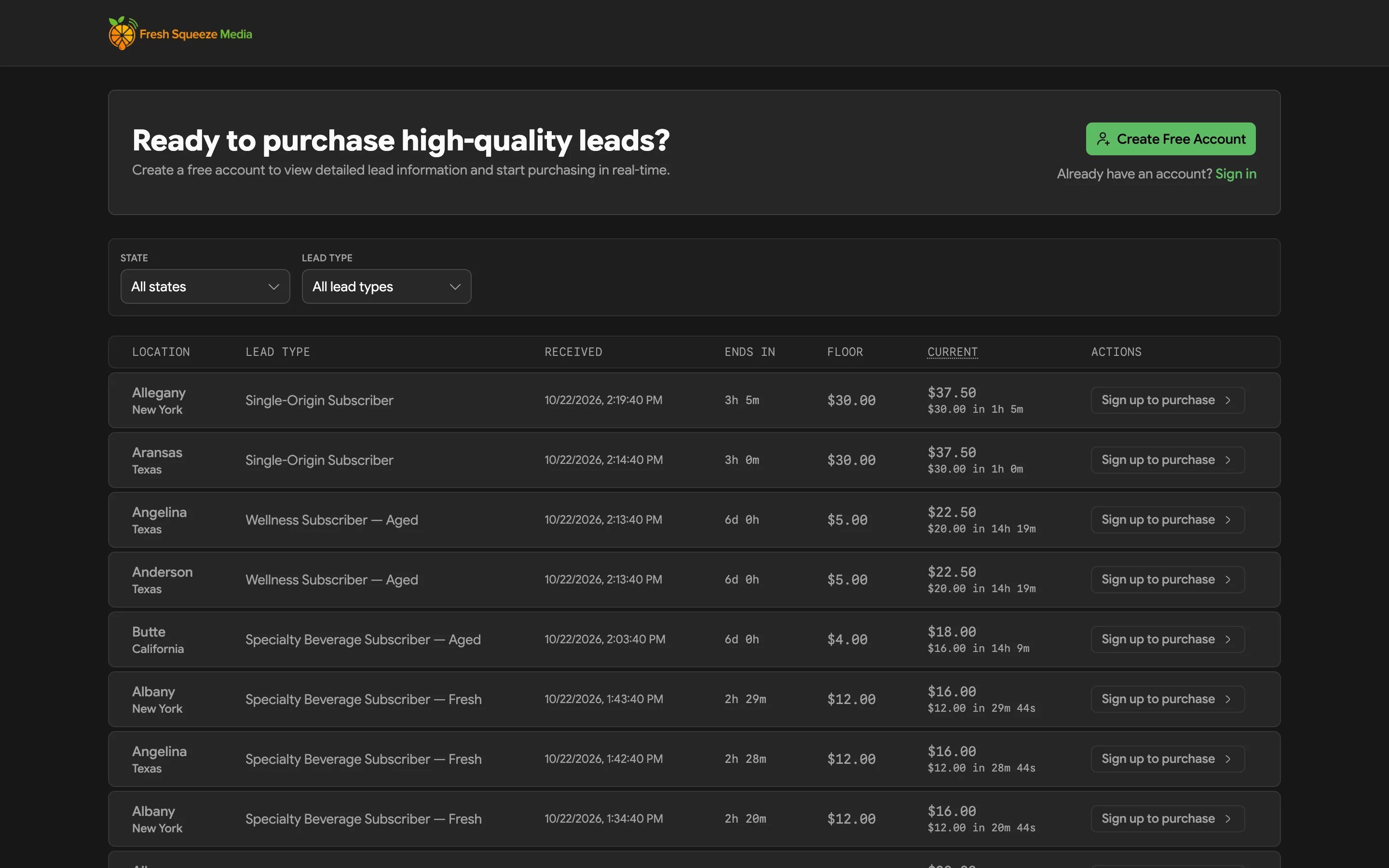
The public marketplace
If your provider offers it, anyone can browse their marketplace at/marketplace without logging in. It shows the same live auctions, with a Sign up to purchase button instead of the buy buttons. Once you sign up and log in, you can buy from the marketplace inside the portal.