

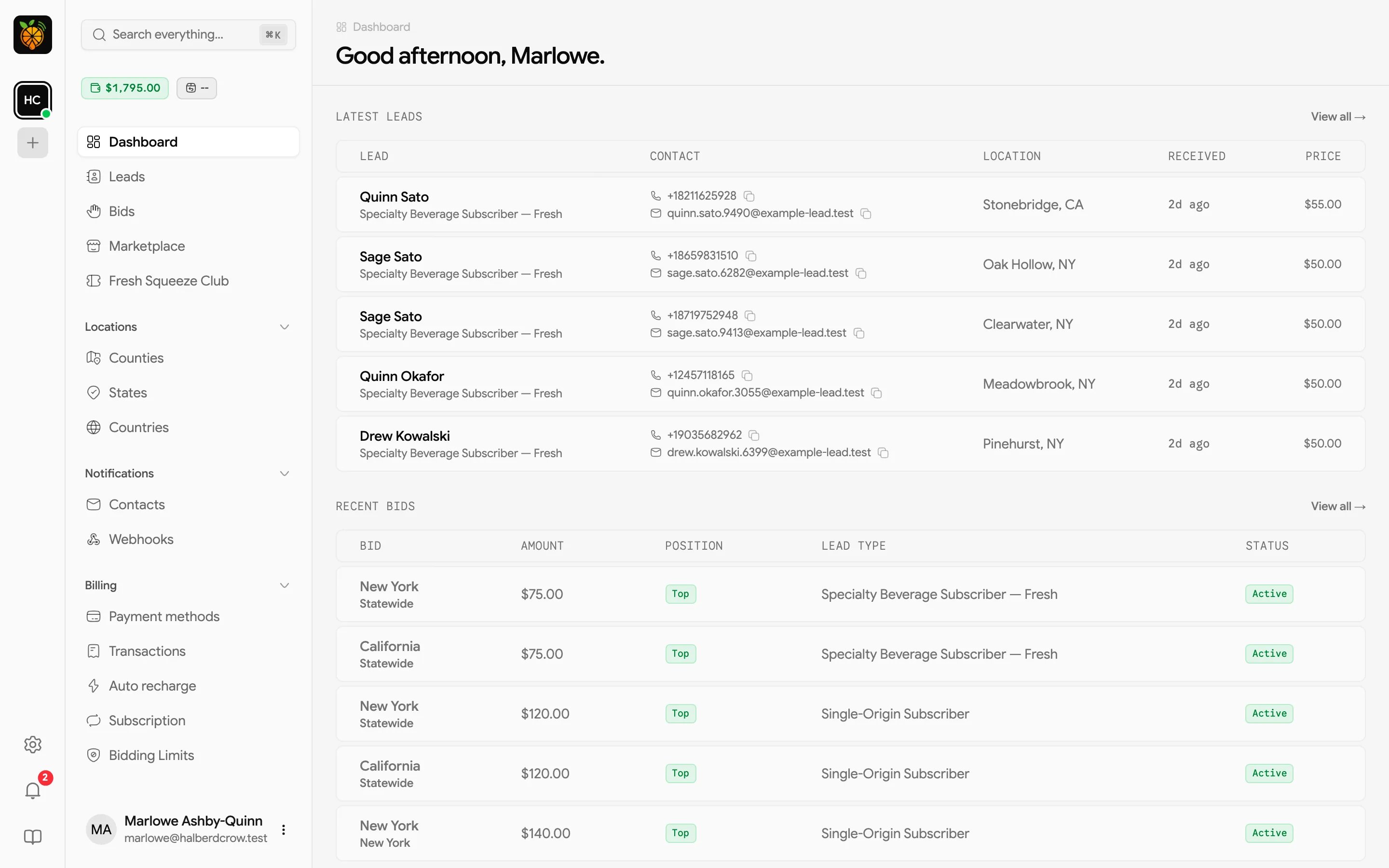
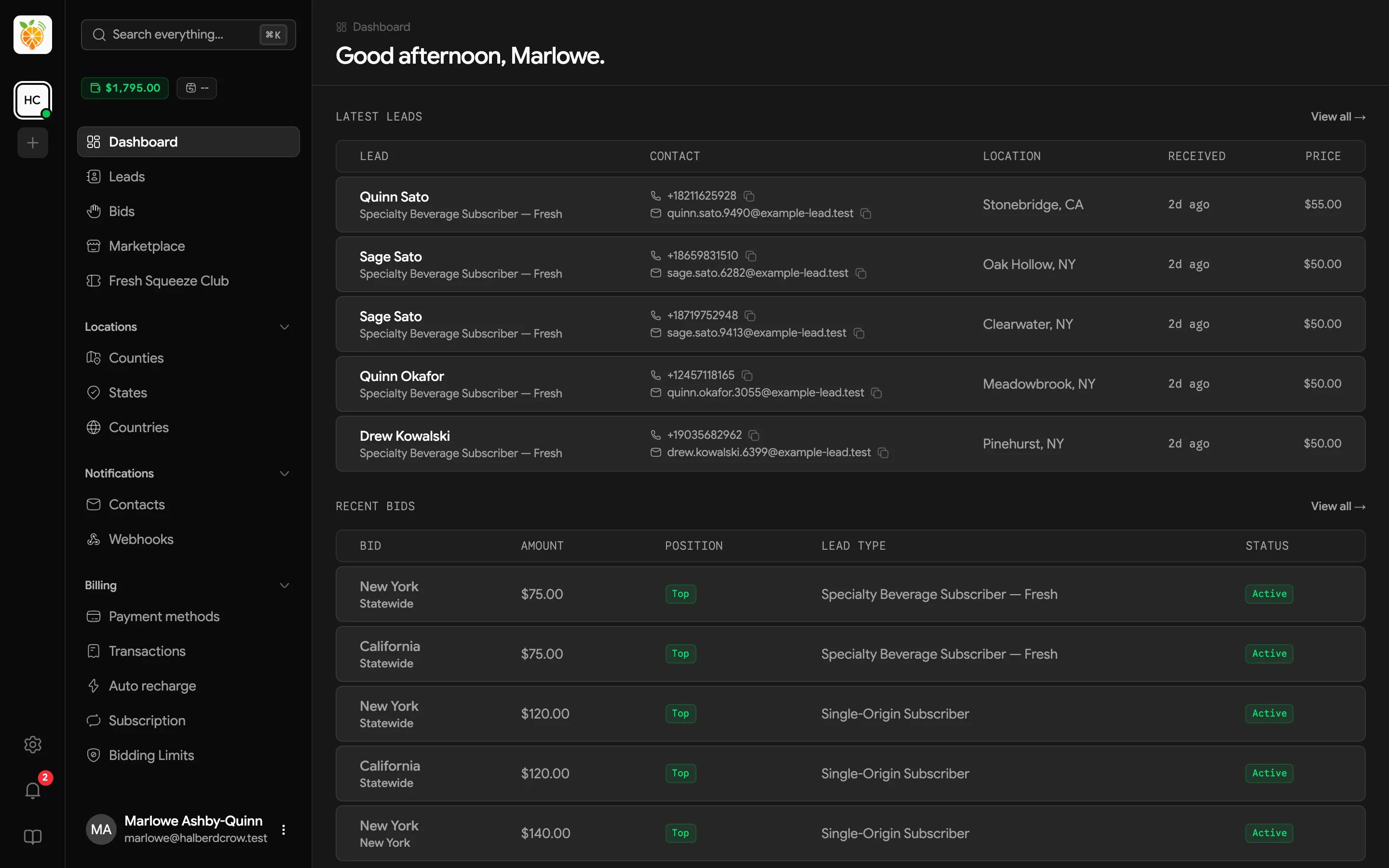
The Dashboard is the first page you see after logging in. It greets you by name (“Good morning”, “Good afternoon”, or “Good evening”, depending on your local time) and shows a quick snapshot of what’s fresh.
Dashboard with a greeting, a Latest leads table, and a Recent bids tableDashboard with a greeting, a Latest leads table, and a Recent bids table

Latest leads

This shows your five most recently received leads, newest first. Click a row to open the lead’s full details, or View all → to go to Leads.

Recent bids

This shows your five most recently updated bids. Click a row to find that bid on the Bids page, or View all → to see them all. Bid position and Bid statuses explain what each badge means. If you haven’t placed a bid yet, this section says No bids yet. A good nudge to go place your first one.

The webhook reminder

Until your account has a webhook, the top of the dashboard shows a short reminder, Using a CRM? Set up a webhook to send new leads there automatically the moment they arrive. Click the link to create a webhook, or click the × to hide the reminder in this browser.