

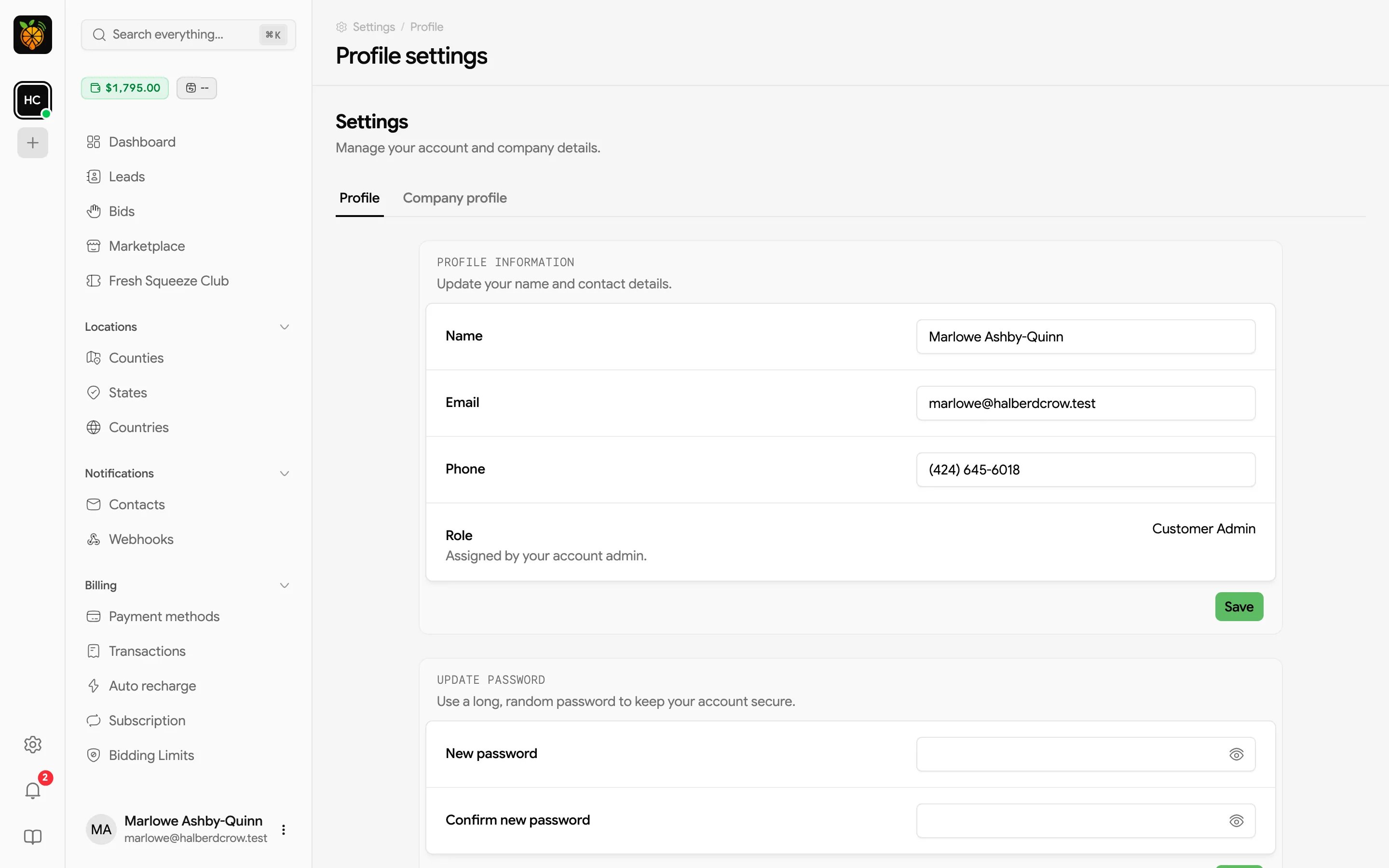
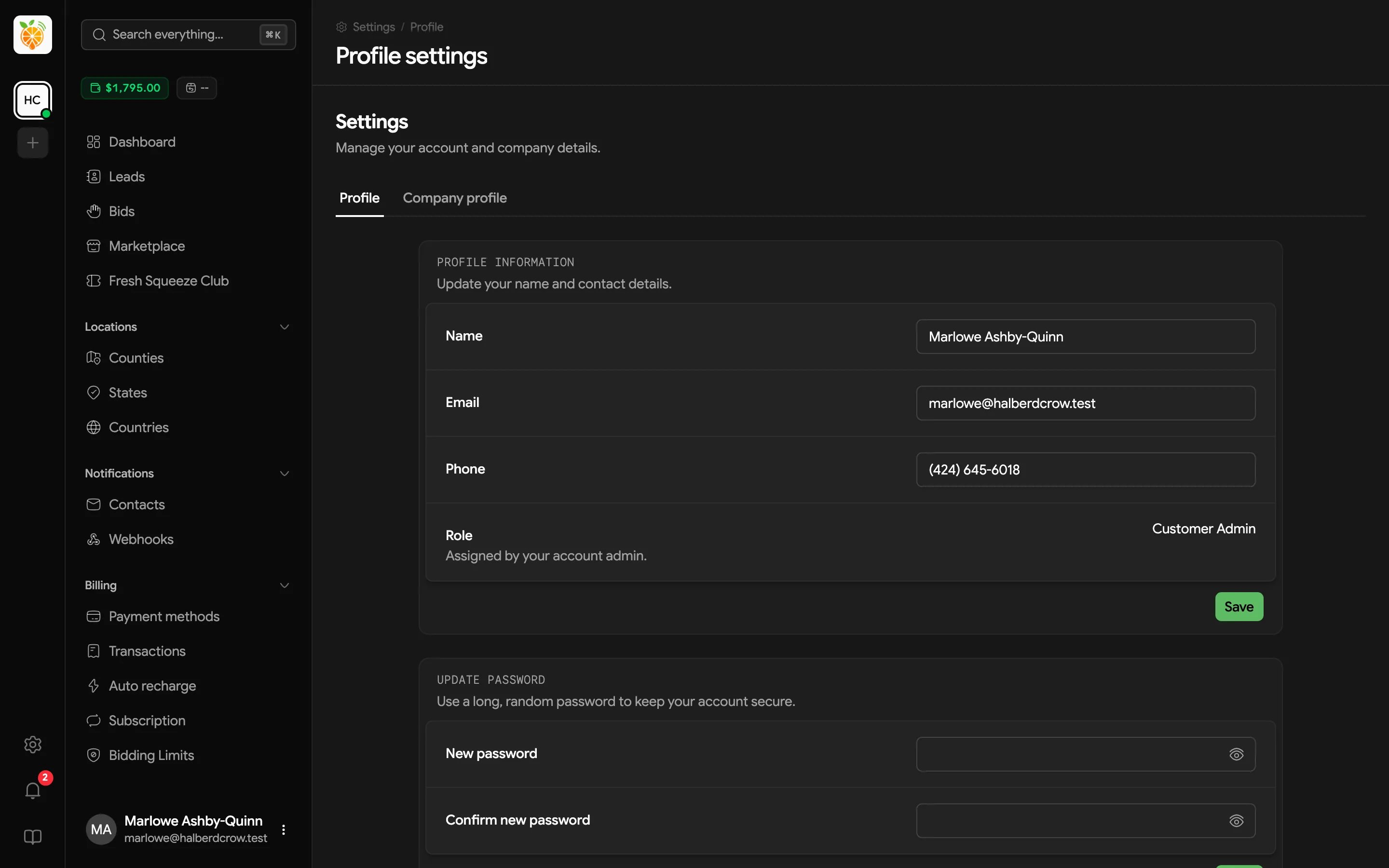
Profile information
Update your Name, Email, and Phone, then click Save. Your Role is shown for reference. It’s assigned by your account admin and decides what you can do in the portal, such as editing the company profile or managing billing. Ask your account admin or provider if you need a different role.Changing your password
Under Update password, enter your New password twice (New password and Confirm new password) and save. Forgot your current one and can’t log in? Use Forgot password? on the login page instead. See Resetting your password.Sign-in methods
Email codes protect your account by default, so when you sign in without a passkey or authenticator app, Juiced emails you a code to finish logging in. You can add stronger, faster options here.- A Passkey lets you sign in with this device, biometrics (like Face ID or a fingerprint), or a hardware security key, with no password to type. Give each passkey a name so you can tell them apart.
- An Authenticator app works by scanning a QR code (or entering the setup key) in an app like Google Authenticator or 1Password, then entering the code it shows. Save the recovery codes somewhere safe, because they get you in if you lose your phone. If you run low, generate a new set.
- Email codes show as Active when they’re protecting your account.