

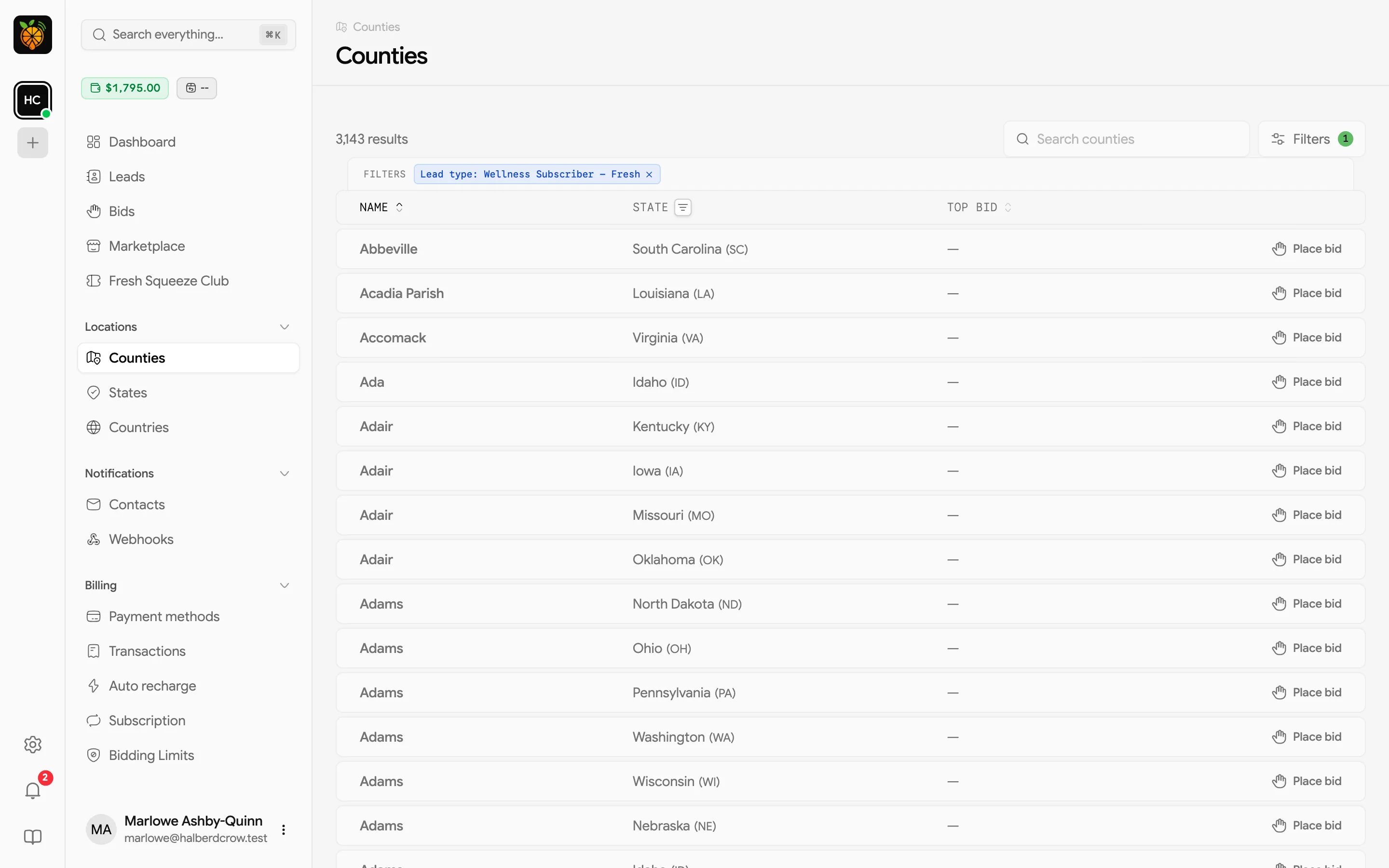
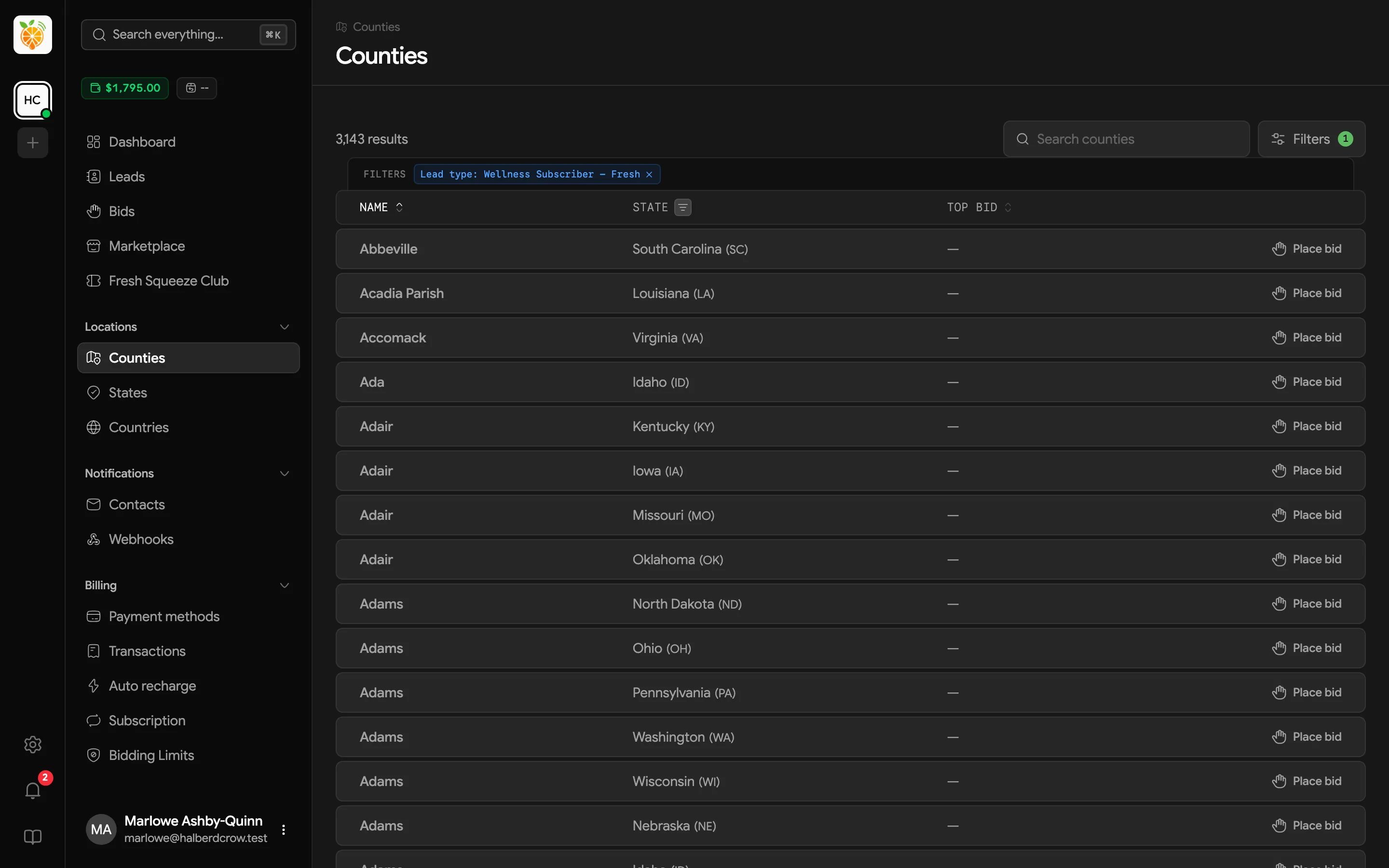
What you’ll see
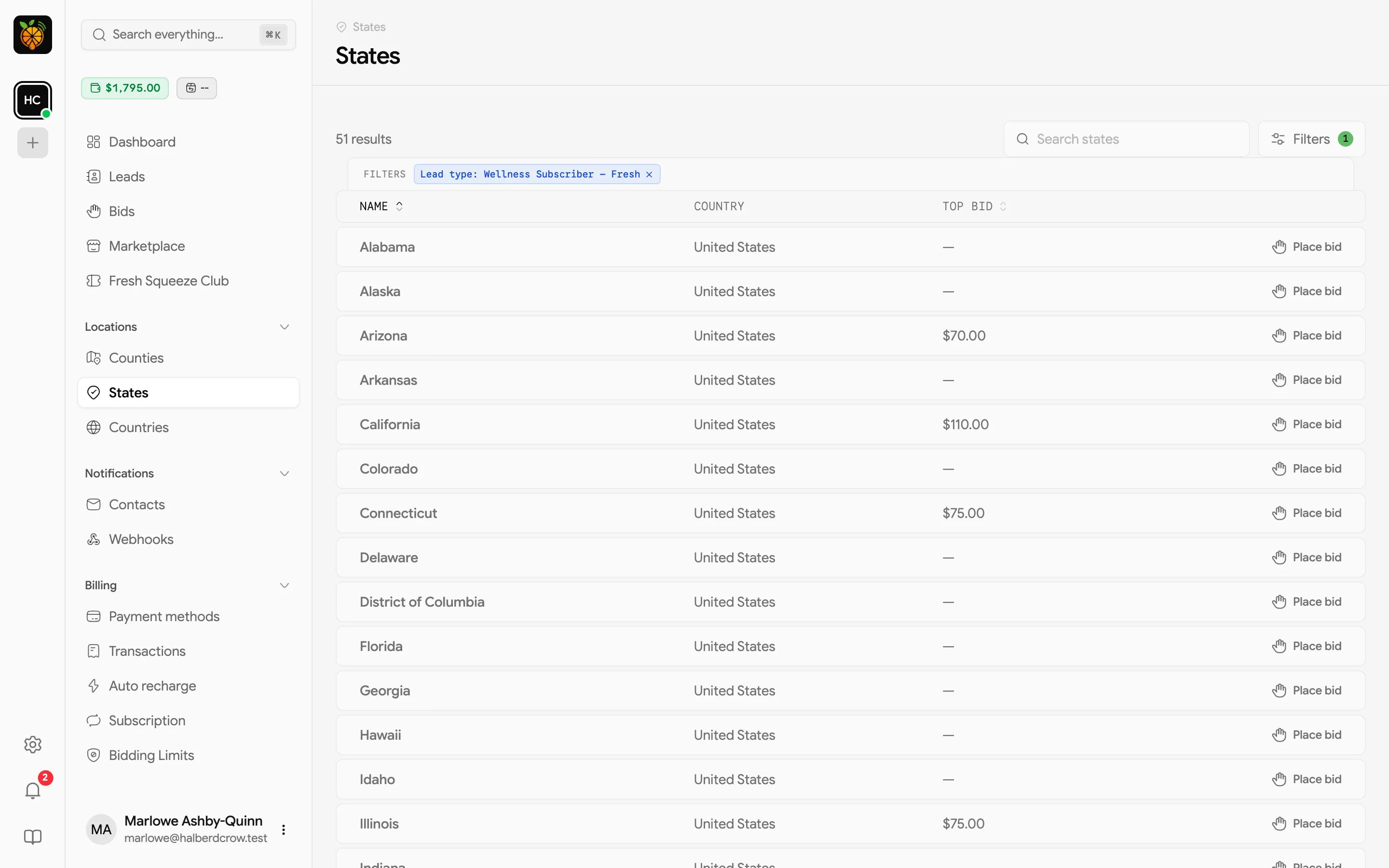
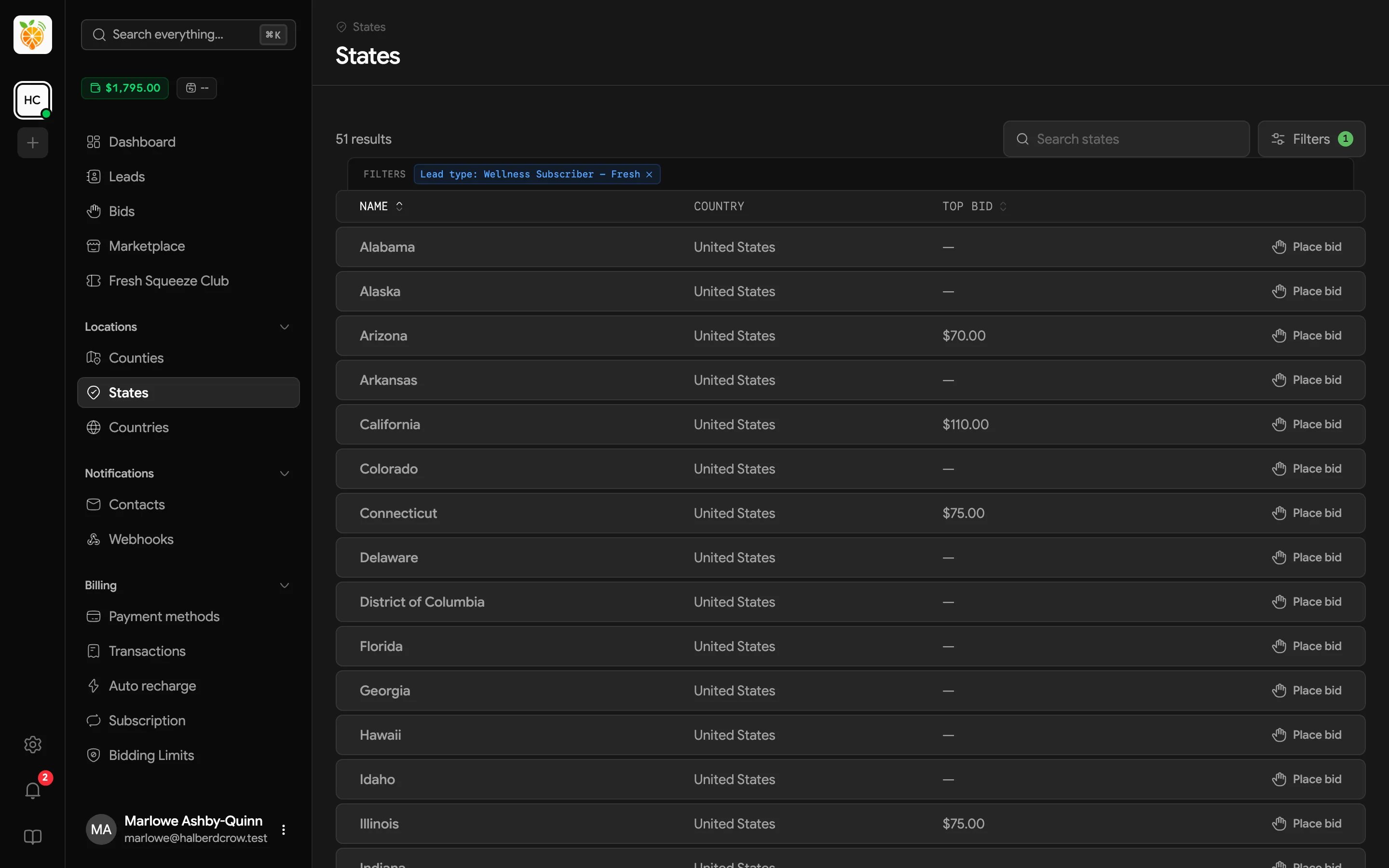
Click Top Bid to sort by it, highest or lowest first, or Name to sort alphabetically.
Narrowing the list
- Search by name.
- Pick a Lead type to see top bids for just that type. Do this before comparing prices, because top bids for different lead types can be very different.
- Pick one or more states under State (on Counties) to see only their counties. You can also filter from the State column header.
- Country appears when your provider sells leads in more than one country.
Bidding from a location
Each row ends with a button.- Place bid opens the New bid dialog with that location already chosen, so you can go straight to setting prices.
- View bids appears when you already bid there. It opens the same dialog so you can review the lead types at that location and add more.
If bidding isn’t turned on for your account, the Counties page shows a message from your provider instead of the list. Contact them to get access.