

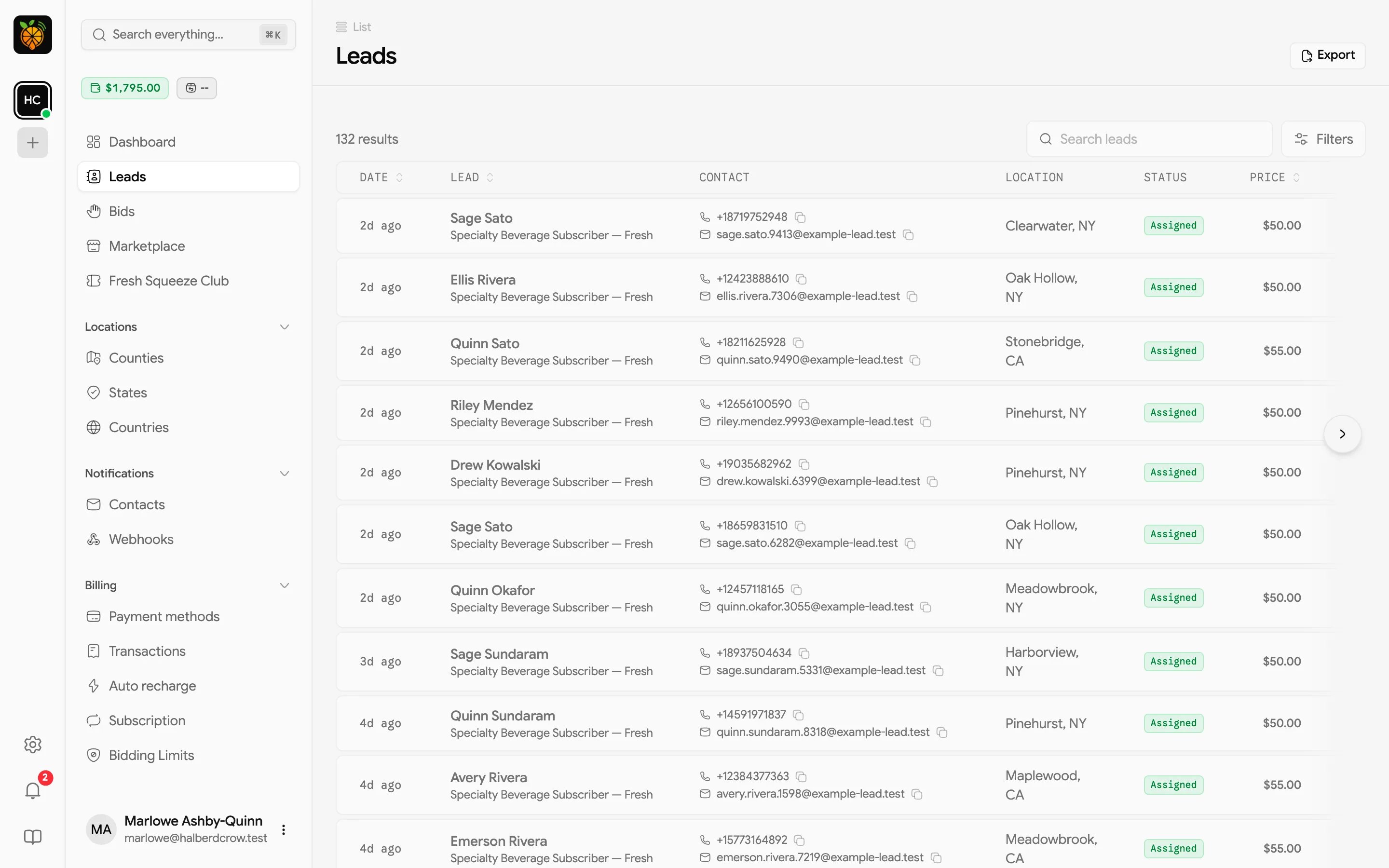
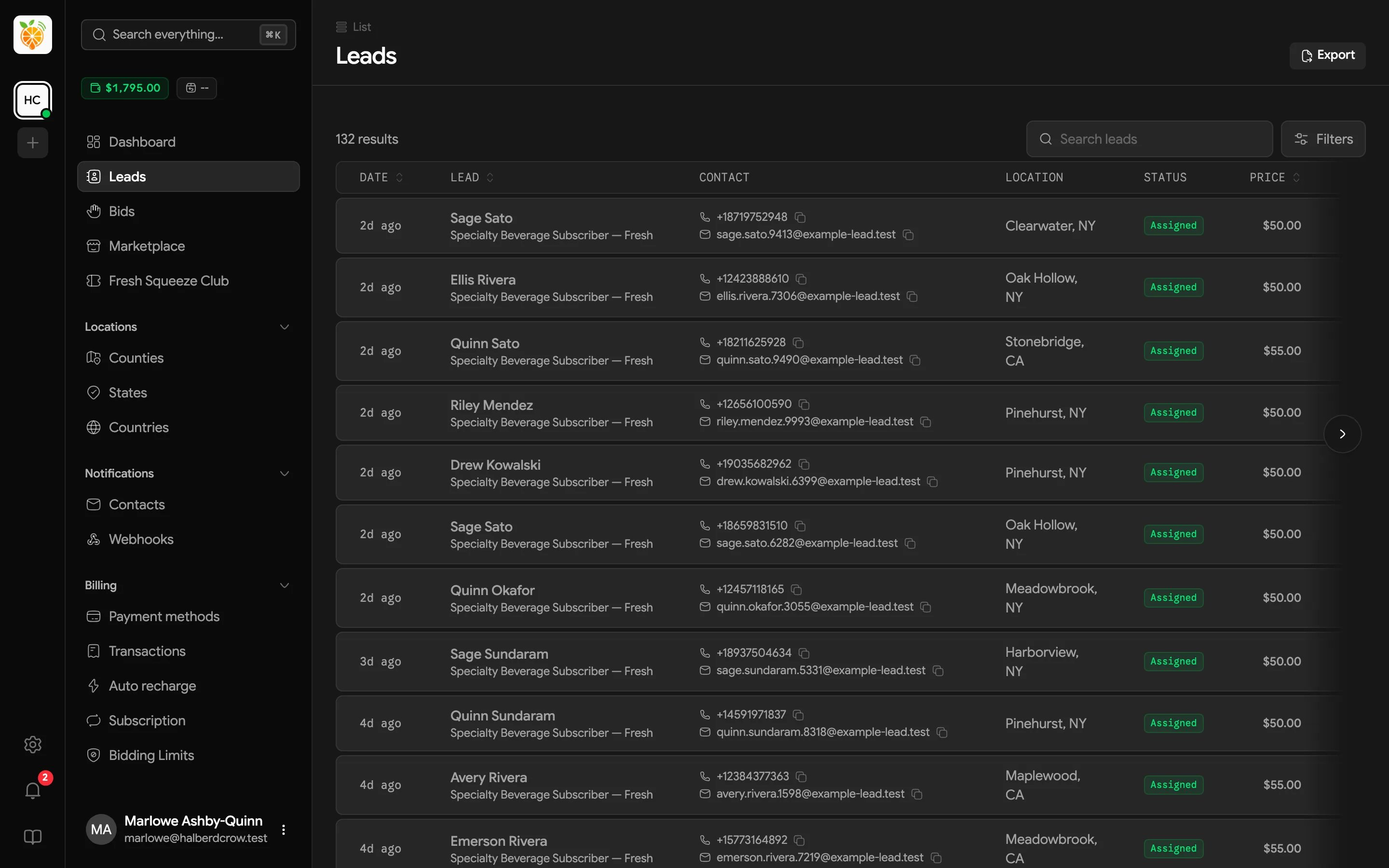
The leads table
Sort by Date, Lead (last name), or Price by clicking the column header. At the end of each row, the copy button copies a tidy summary of the lead (name, lead type, phone, email, address, and received time), ready to paste into a text or another tool.
You can show 10, 25, or 50 leads per page.
Searching and filtering
Use Search leads to find a lead by its ID, name, email, phone number, or any part of its address (street, city, state, ZIP, or country).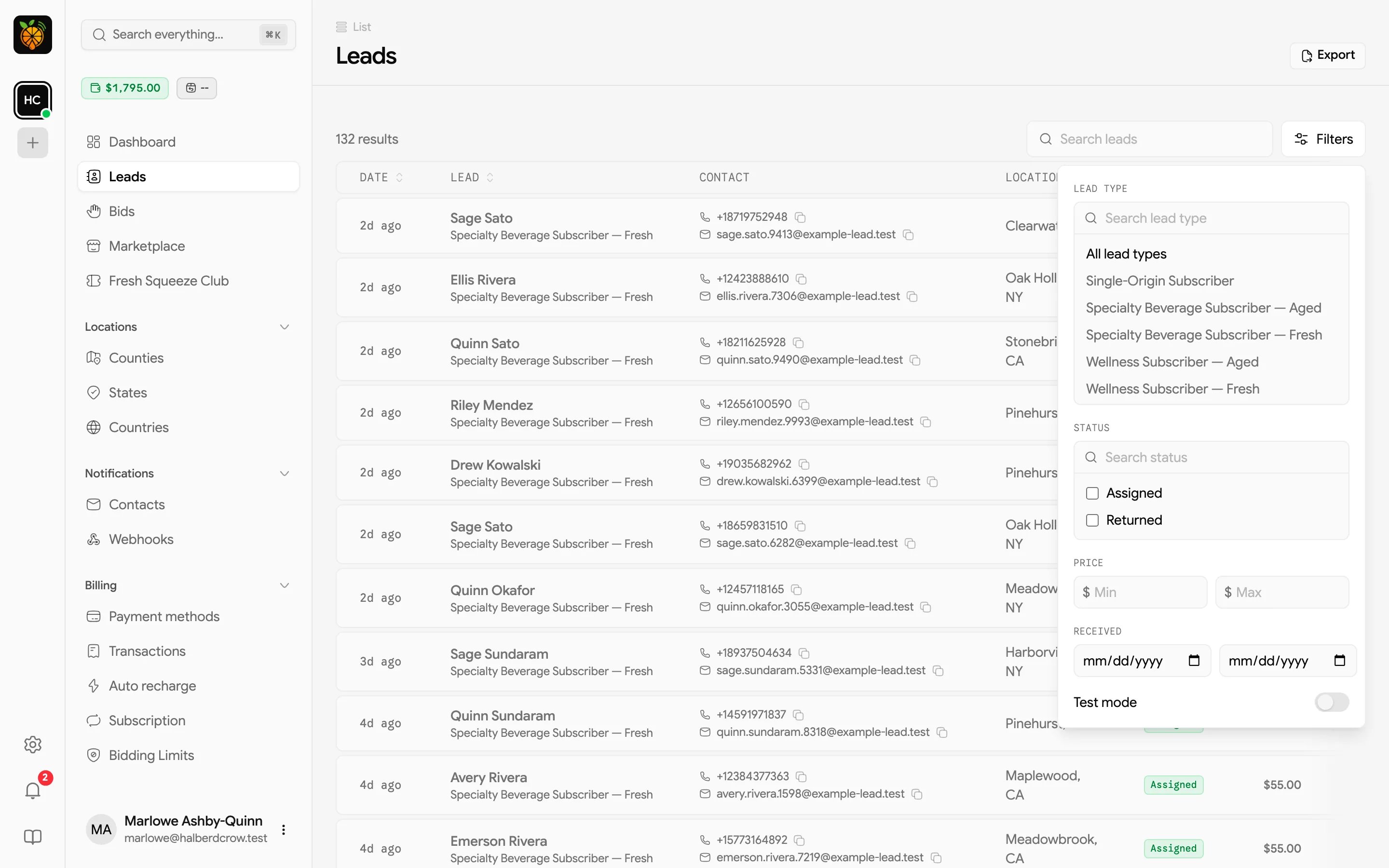
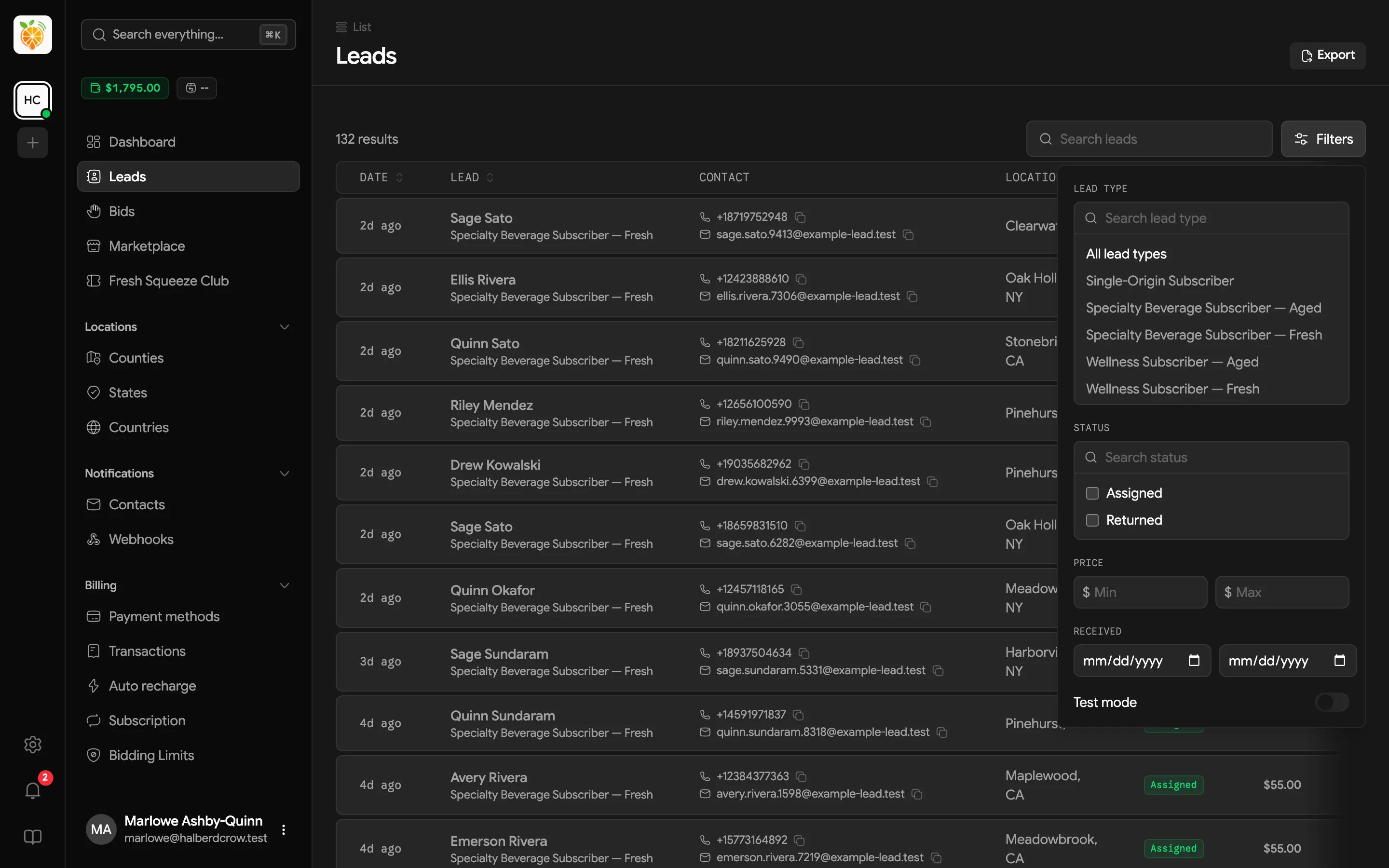
- Lead type shows one lead type at a time.
- Status shows Assigned, Returned, or both.
- Test mode shows only test leads, which is useful when you’re checking that a webhook or notification is set up correctly.
- Price takes a minimum and maximum in dollars.
- Received takes a date range.
Lead details
Click any lead to open its details page.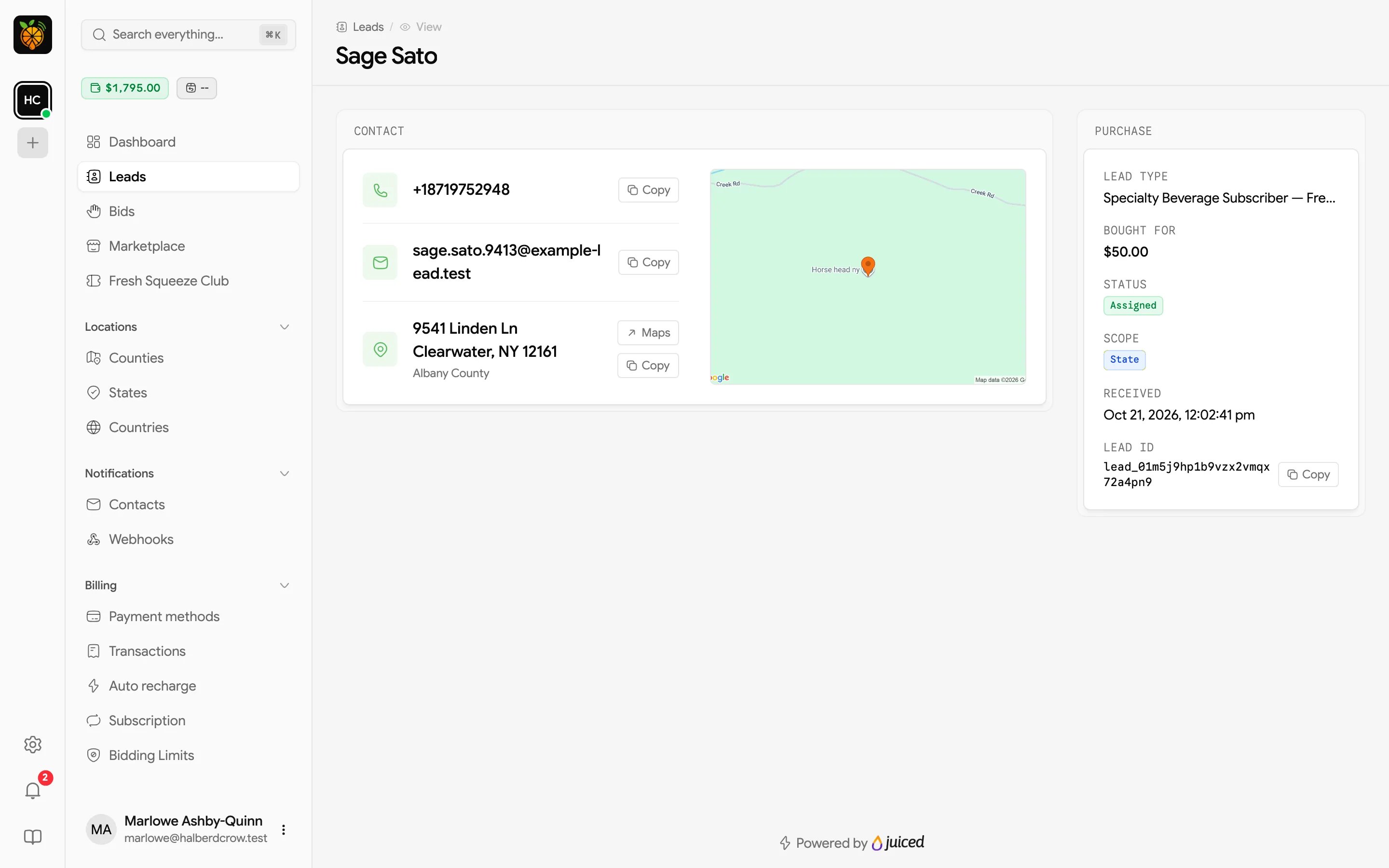
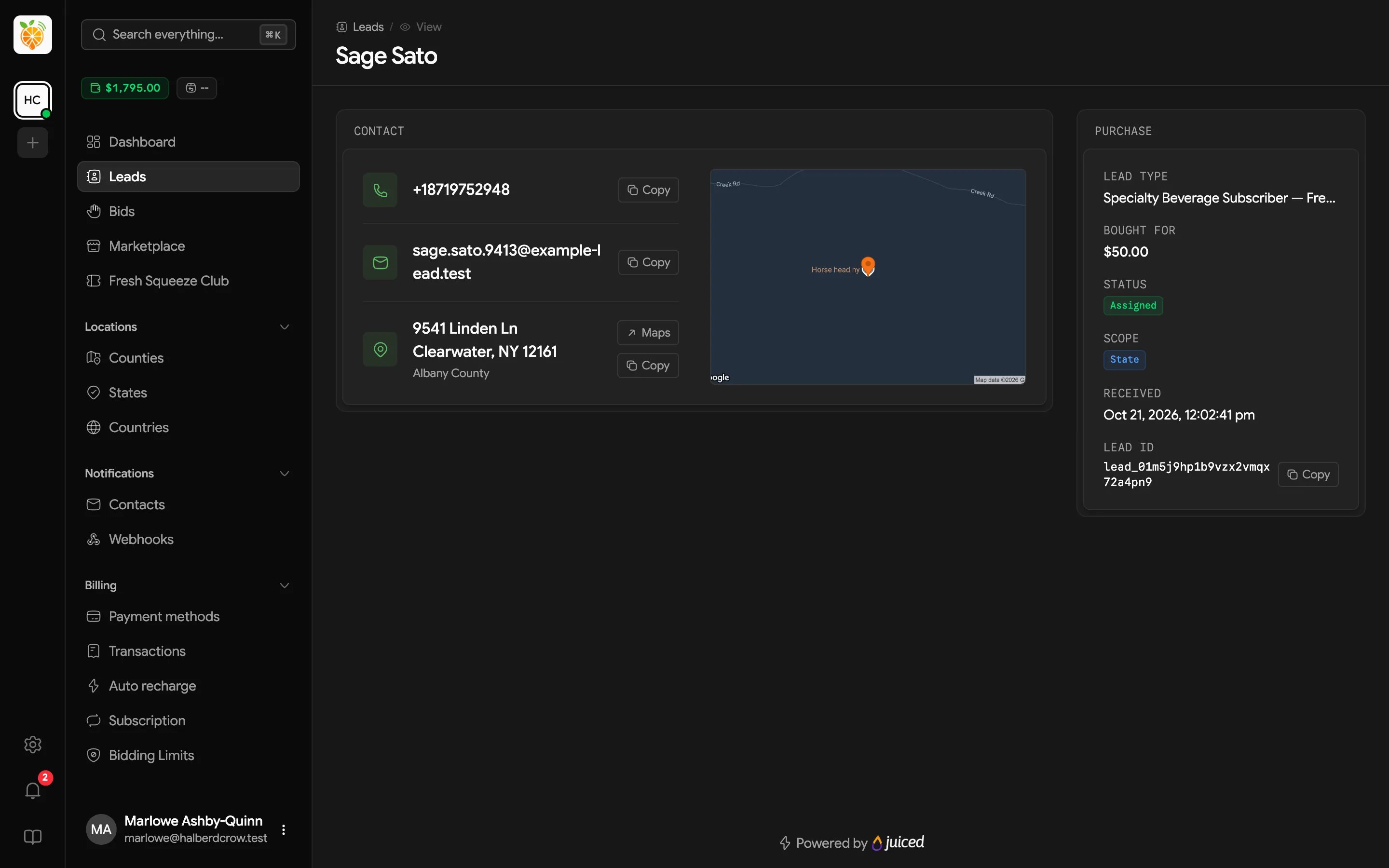
- Contact shows phone, email, and address, each with a copy button. The address has a Maps link, and a map of the location may appear alongside it.
- Lead Details holds the extra fields your provider delivers with this lead type, such as project details or timeframes.
- Purchase shows the Lead type, what you Bought for, the Status, the Scope you won it at (county, state, or country), when it was Received, and the Lead ID with a copy button.