
Prerequisites
- The Admin role.
- A partner to connect.
- The partner’s integration spec, covering ping and post URLs, method, authentication, the fields they expect, and what their responses look like for accepted, rejected, and duplicate leads.
1. Configure the ping
Open the partner, stay on the Overview tab, and in the Ping/Post tab click Configure Ping.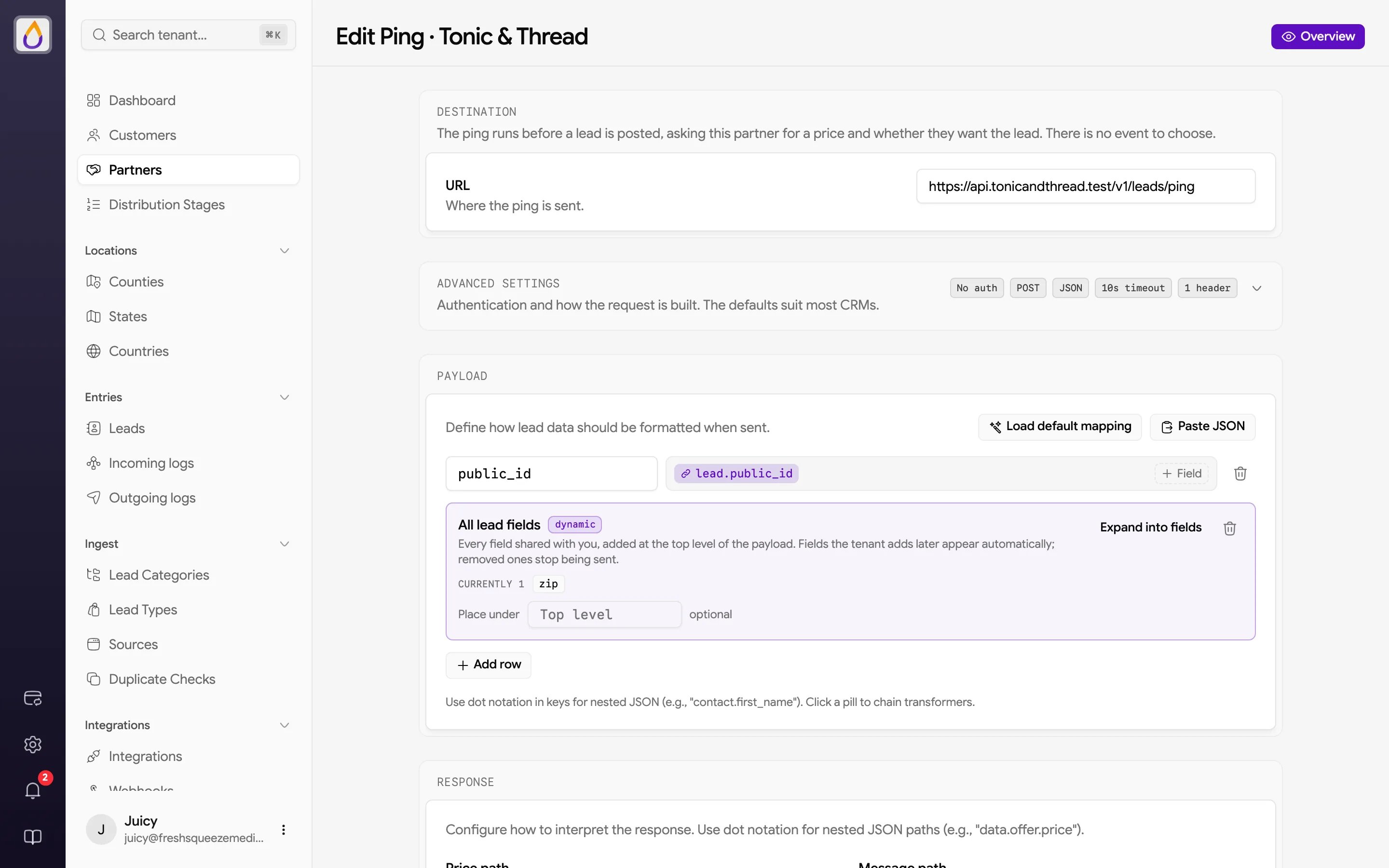
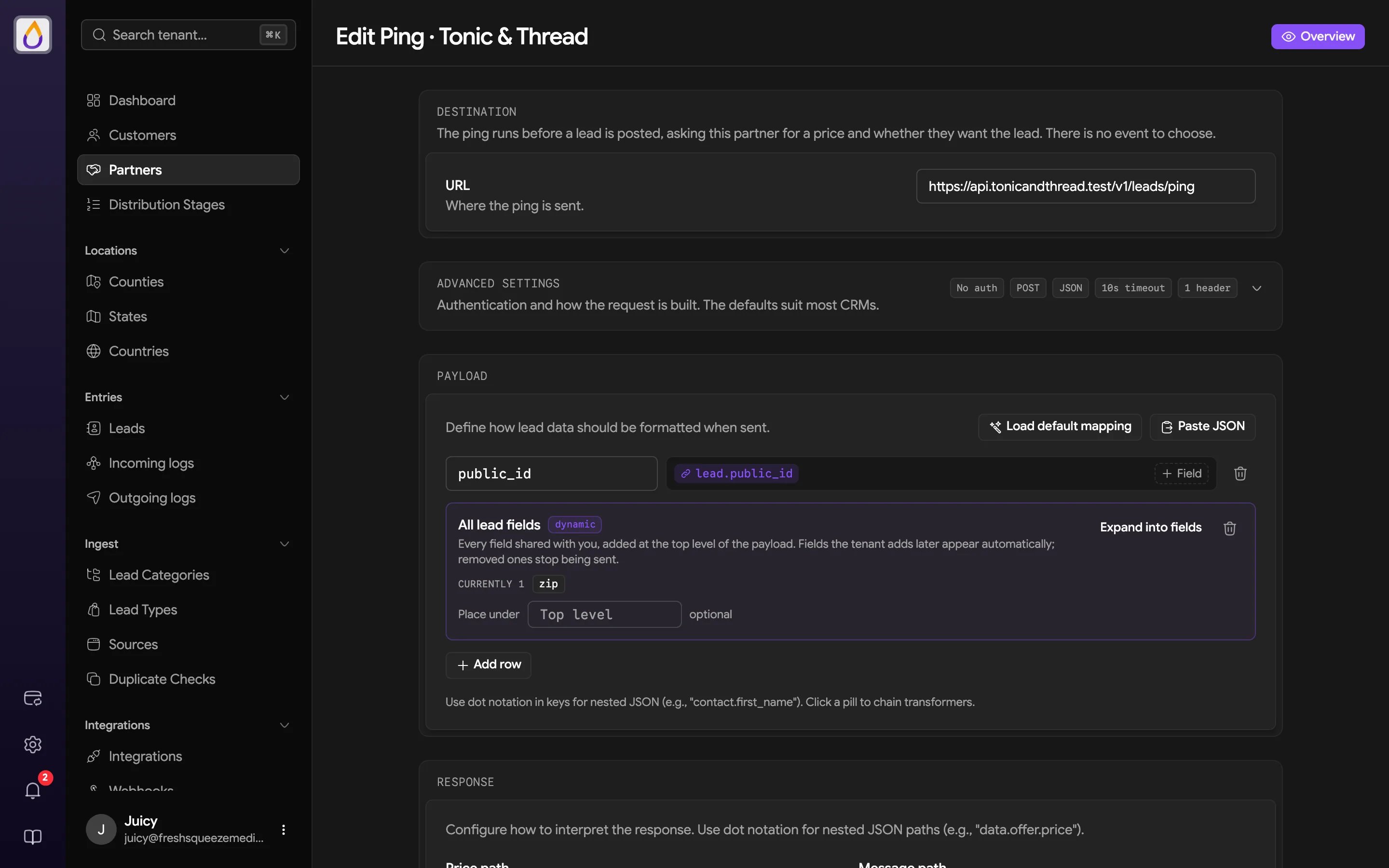
- Under Destination, enter the partner’s ping URL.
- Expand Advanced settings if the partner needs something other than the defaults. Set the Method (POST, PUT, or GET), Authentication (None, Basic Auth, or Bearer Token), Format (JSON or Form), Timeout in seconds, and any extra Headers. Saved passwords and tokens stay hidden after you save.
2. Map the payload
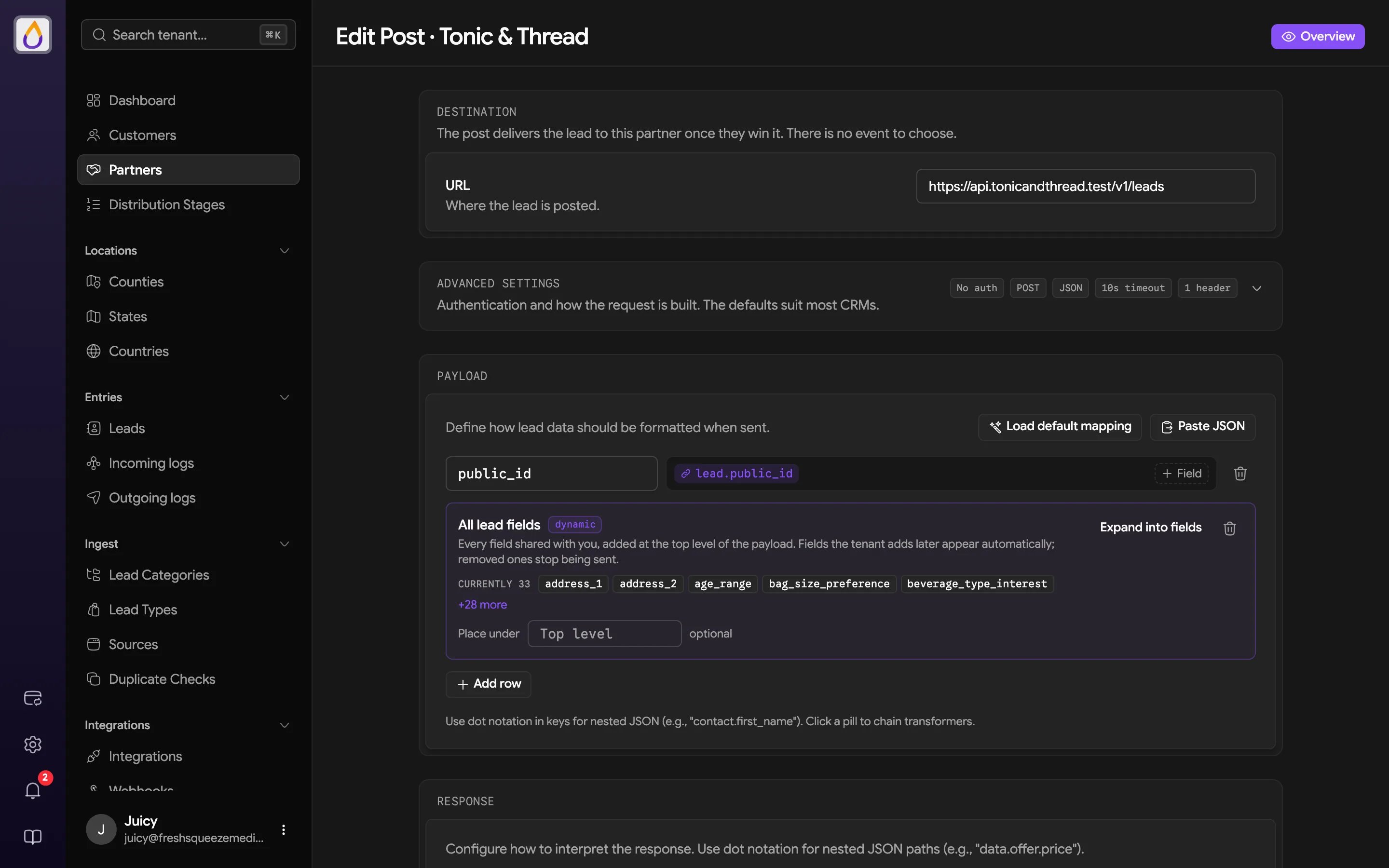
Nothing is sent until you map it, so add every field the partner expects.- Load default mapping fills in the standard set of fields. It replaces whatever you’ve mapped so far, so start with it.
- Paste JSON takes a sample from the partner’s spec. Values that match your lead fields become linked field pills.
- Add row adds a single key. Use dot notation in keys for nested JSON (
contact.first_name), and click a field pill to chain transformers, for example to reformat a phone number.
3. Tell Juiced how to read the response
Under Response, use dot notation for nested paths (likedata.offer.price) to fill in these fields.
Click Create & continue to testing.
4. Test it
The page reopens with a Testing section. Choose how to build the test.- Test with a real lead searches your leads and sends exactly what this partner would receive.
- Generate sample data fills every mapped field with fake but realistic values.
- Add test data manually lets you build the payload one field at a time.
5. Configure the post
Back on the partner, click Configure Post and repeat Steps 1 to 4 with the partner’s post URL and the full set of lead fields they need.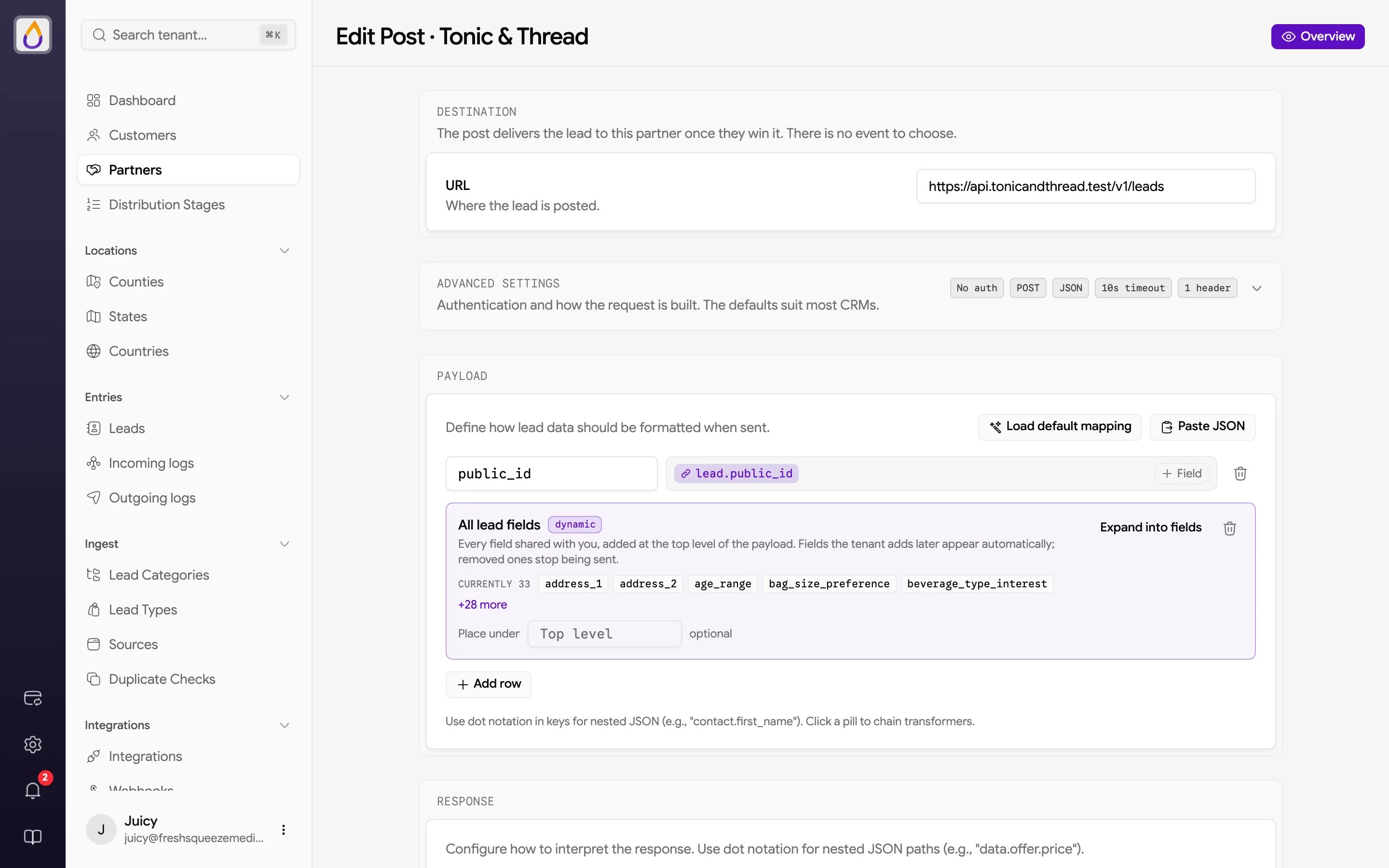
6. Turn on partners in distribution
Endpoints only get called when the partner can compete for a lead. In a distribution stage, turn on Enable Partners and include this partner. The partner’s lead eligibility, quotas, and duplicate checks all apply.7. Watch the deliveries
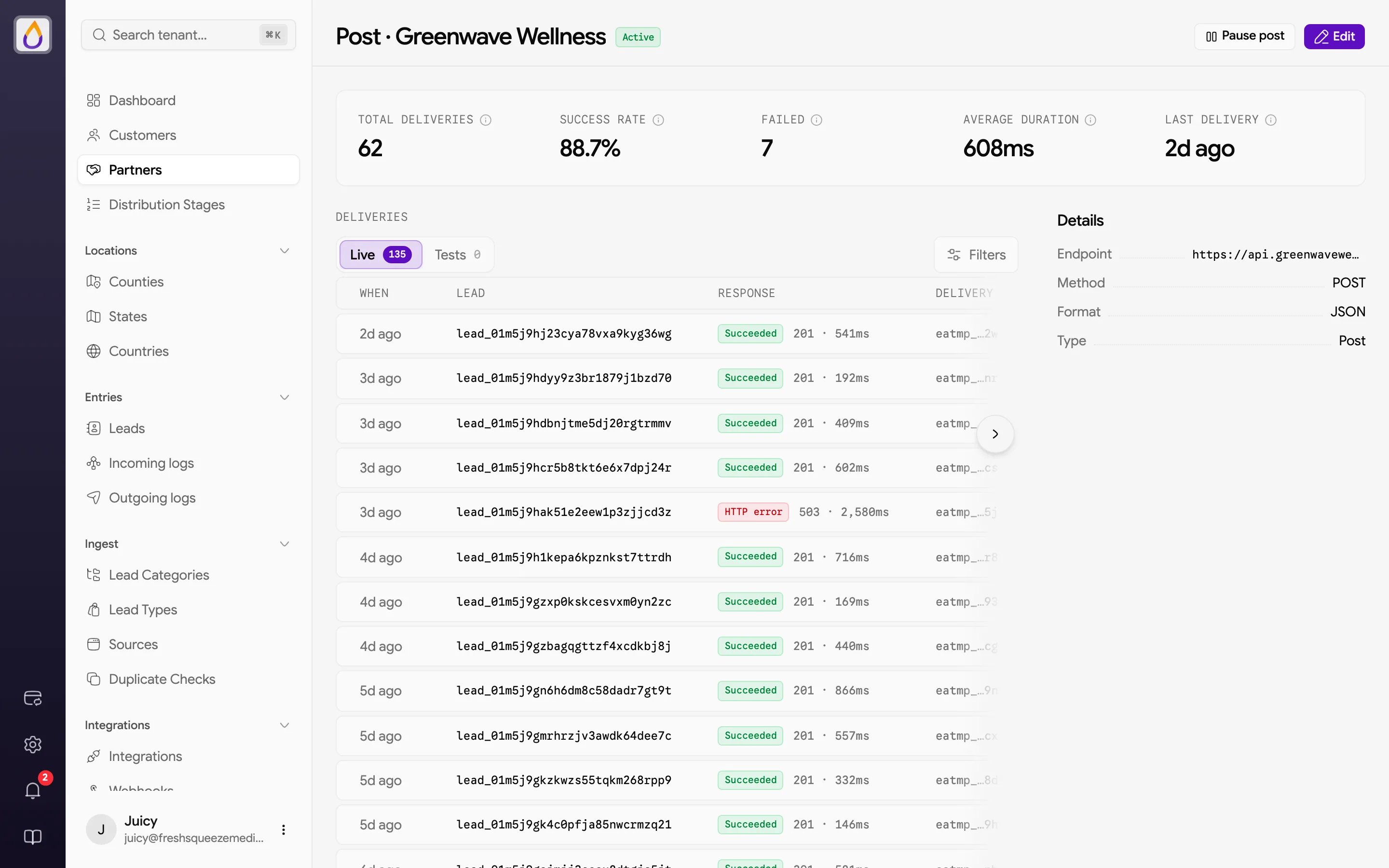
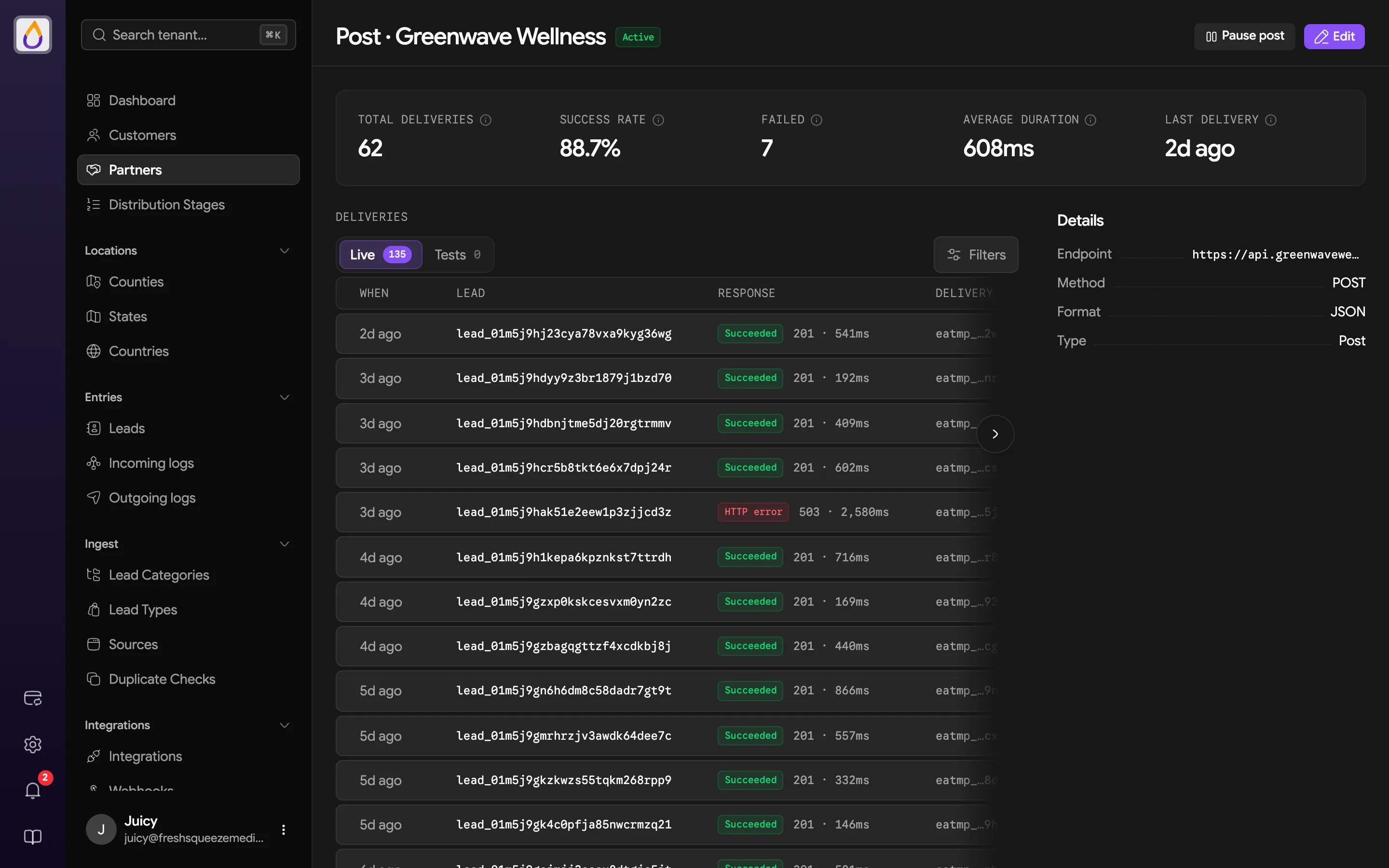
On the Ping/Post tab, click the ping or post row to open its deliveries page.